

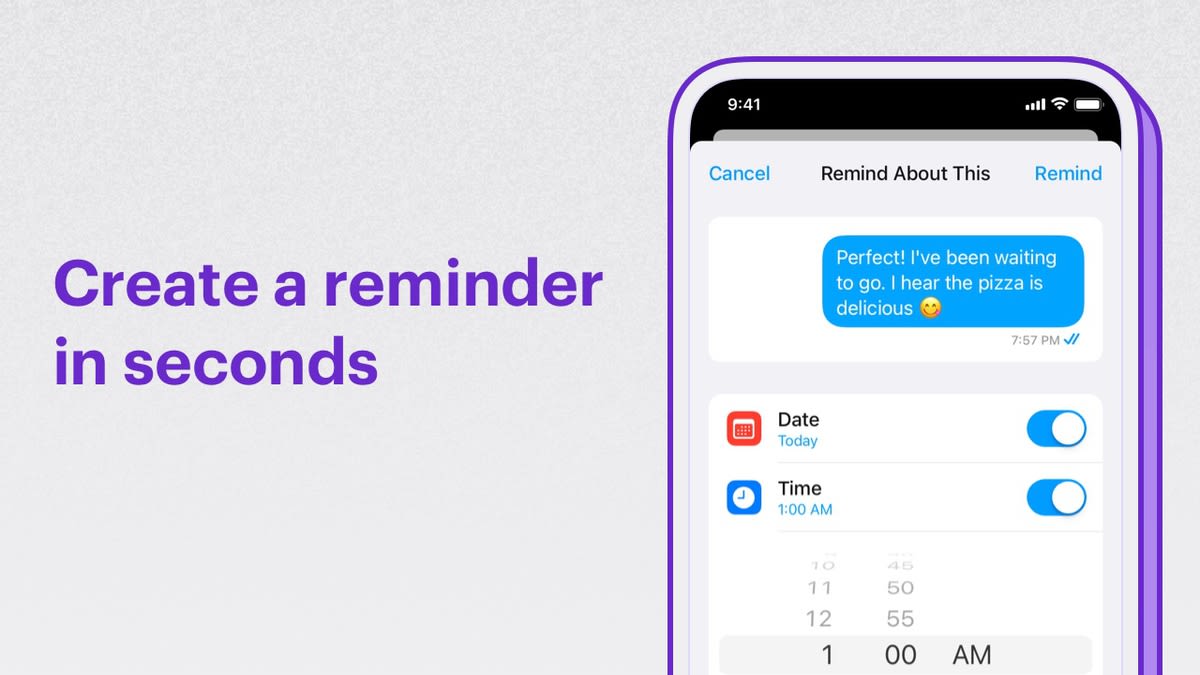
Extension Settings
- Login to CometChat and select your app.
- Go to the Extensions section and enable the Reminders extension.
- Go to the Users section and create a new user with
cc_reminder_botas the UID. The name and Avatar can be of your choice.
The
cc_reminder_bot user should be available for your app in order to use the Reminders extension. There shouldn’t be an existing user using the same UID.How do reminders work?
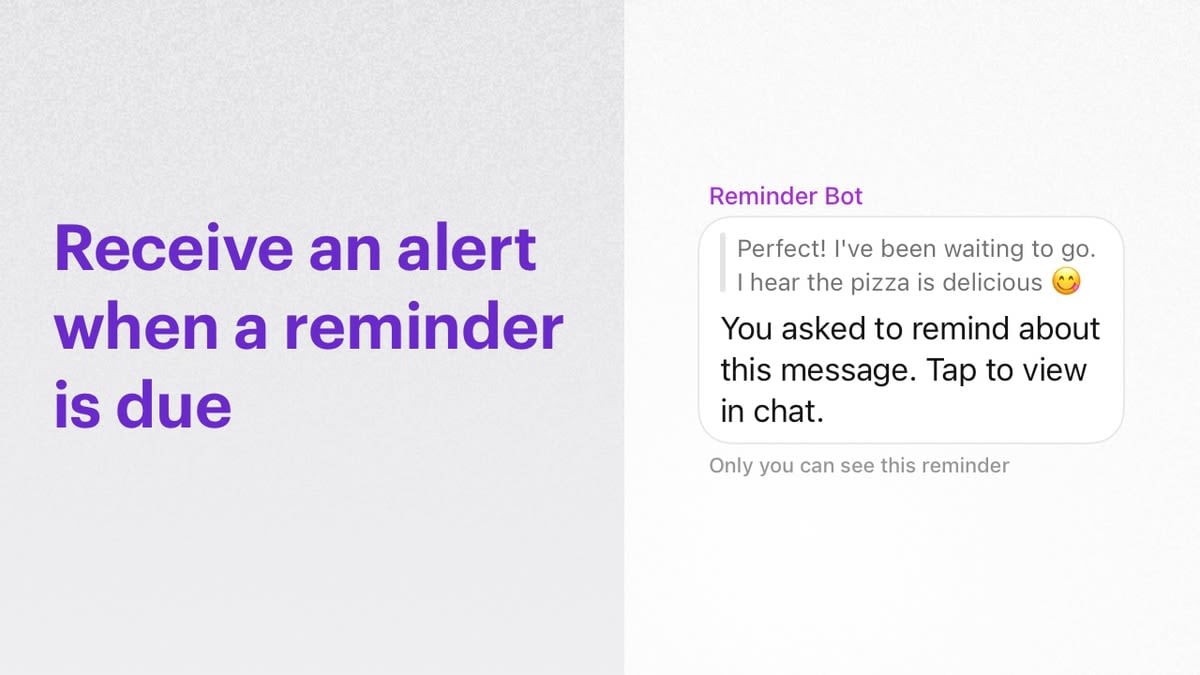
cc_reminder_bot will send a message to the user.
Users can then list, edit or delete reminders.
Set reminders
The following parameters are required for setting a reminderMessage reminders
To set Message reminders, theabout should be an integer corresponding to the message id. The isCustom value should be set tofalse.
In order to set the reminders, use the CometChat.callExtension method as shown below:
- JavaScript
- Java
- Swift
Personal reminders
To set Personal reminders, the about can contain the description. TheisCustom value should be set totrue.
In order to set the reminders, use the CometChat.callExtension method as shown below:
- JavaScript
- Java
- Swift
reminderId in the success response.
List reminders
List the reminders set by a user using theCometChat.callExtension method as shown below:
- JavaScript
- Java
- Swift
Delete reminders
Reminders can be deleted using thereminderId as shown below:
- JavaScript
- Java
- Swift
Edit reminders
In case a reminder needs to be preponed or postponed, it can be done using the Edit reminders functionality. The following updates the reminder withreminderId: "e9cda52a-3839-4fd5-a010-b70db136f0f1"
For editing, use the CometChat.callExtension method as shown below:
- JavaScript
- Java
- Swift
For Message reminders,
For Personal reminders,
timeInMS can be updated.For Personal reminders,
timeInMS & about can be updated.Receive reminders
The user will receive reminders from a special user -cc_reminder_bot - that was configured before.
These reminders are sent as messages with category: custom and type: extension_reminders. The customData object will have an about field that the user had mentioned while setting the reminder.
Learn more about Custom messages listener for receiving reminders.
Notifications
Notification templates
Customize the push, email, and SMS notification templates for reminder messages.