

Overview
CometChatCallLogs is a Widget that shows the list of Call Logs available. By default, names are shown for all listed users, along with their avatars if available.
- Android
- iOS
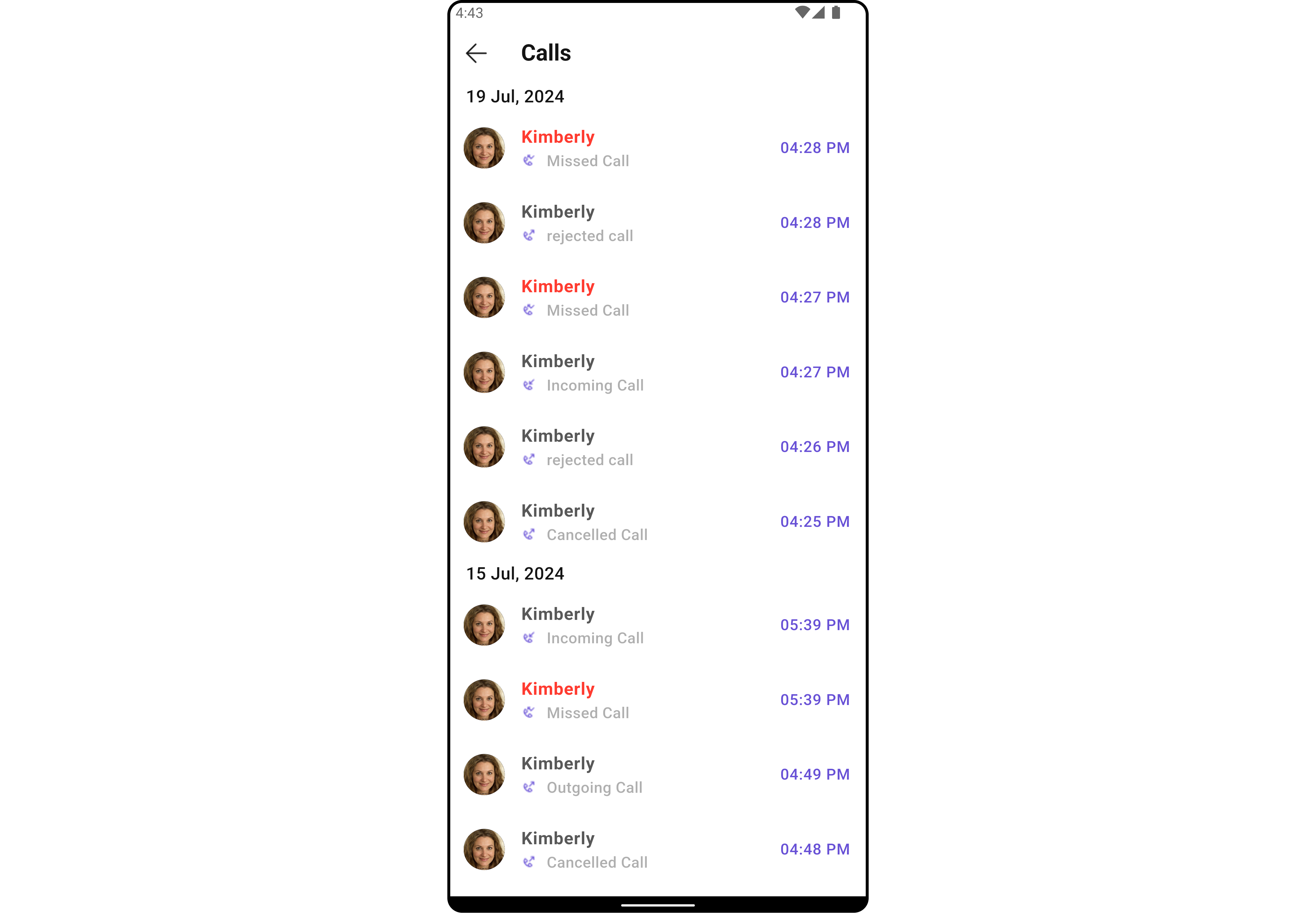
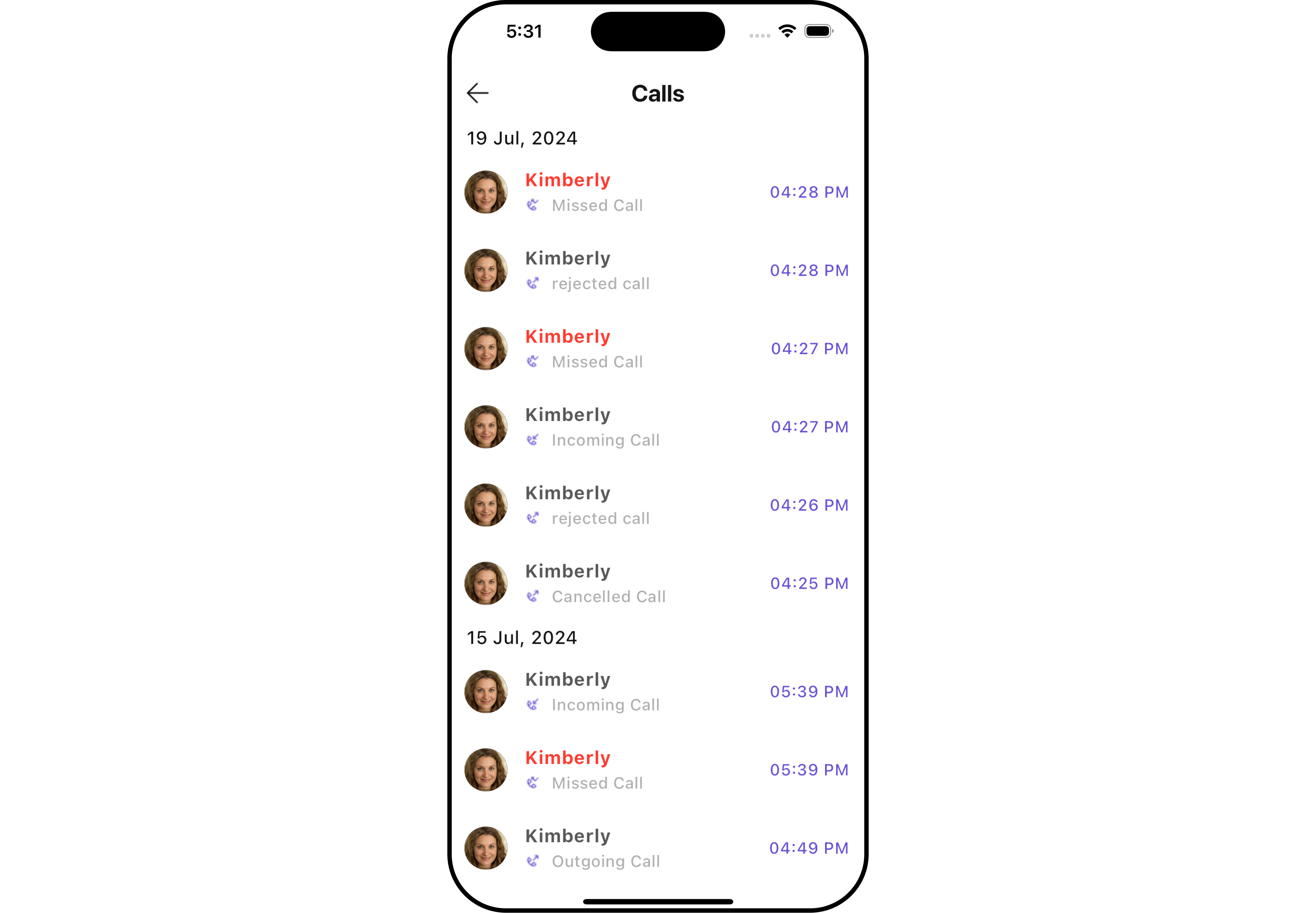
CometChatCallLogs widget is composed of the following BaseWidgets:
Usage
Integration
CometChatCallLogs being a wrapper widget, offers versatility in its integration. It can be seamlessly launched via button clicks or any user-triggered action, enhancing the overall user experience and facilitating smoother interactions within the application.
You can launch CometChatCallLogs directly using Navigator.push, or you can define it as a widget within the build method of your State class.
1. Using Navigator to Launch CometChatCallLogs
- Dart
2. Embedding CometChatCallLogs as a Widget in the build Method
- Dart
Actions
Actions dictate how a widget functions. They are divided into two types: Predefined and User-defined. You can override either type, allowing you to tailor the behavior of the widget to fit your specific needs.1. onItemClick
This method proves valuable when users seek to override theonItemClick functionality within CometChatCallLogs, empowering them with greater control and customization options.
The onItemClick action doesn’t have a predefined behavior. You can override this action using the following code snippet.
- Dart
2. OnError
You can customize this behavior by using the provided code snippet to override theOnError and improve error handling.
- Dart
3. onBack
You can customize this behavior by using the provided code snippet to override theonBack and improve error handling.
- Dart
4. onInfoIconClick
You can customize this behavior by using the provided code snippet to override theonInfoIconClick and improve error handling.
- Dart
Filters
Filters allow you to customize the data displayed in a list within a Widget. You can filter the list based on your specific criteria, allowing for a more customized. Filters can be applied using RequestBuilders of Chat SDK.1. CallLogRequestBuilder
The CallLogRequestBuilder enables you to filter and customize the call list based on available parameters in CallLogRequestBuilder. This feature allows you to create more specific and targeted queries during the call. The following are the parameters available in CallLogRequestBuilder Example In the example below, we are applying a filter based on the limit and have a call recording.- Dart
CallLogRequestBuilder
Events
Events are emitted by aWidget. By using event you can extend existing functionality. Being global events, they can be applied in Multiple Locations and are capable of being Added or Removed.
The CometChatCallLogs widget does not have any exposed events.
Customization
To fit your app’s design requirements, you can customize the appearance of the conversation widget. We provide exposed methods that allow you to modify the experience and behavior according to your specific needs.Style
Using Style you can customize the look and feel of the widget in your app, These parameters typically control elements such as the color, size, shape, and fonts used within the widget.1. CallLogs Style
You can customize the appearance of theCometChatCallLogs Widget by applying the CallLogsStyle to it using the following code snippet.
- Dart
- Android
- iOS
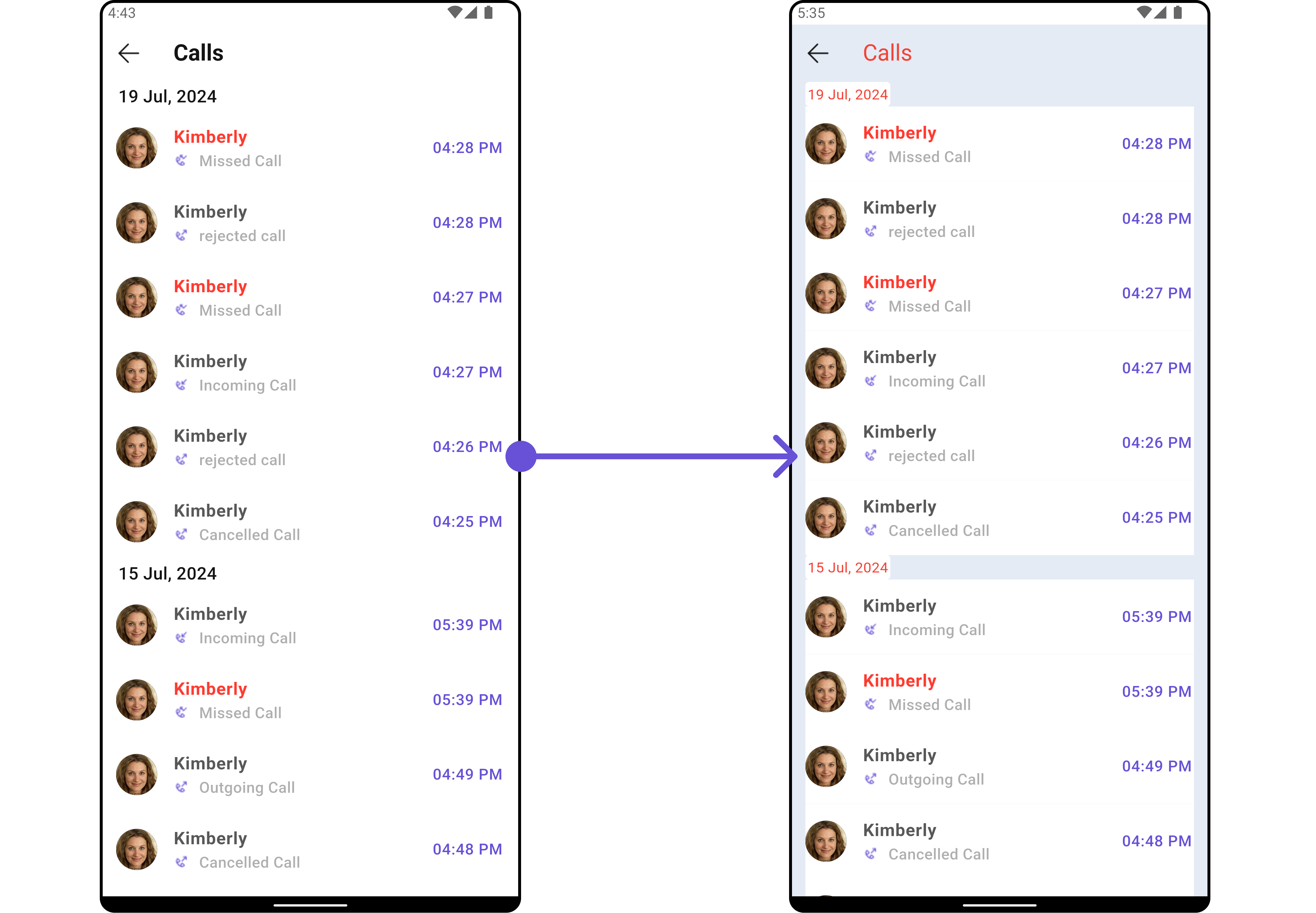
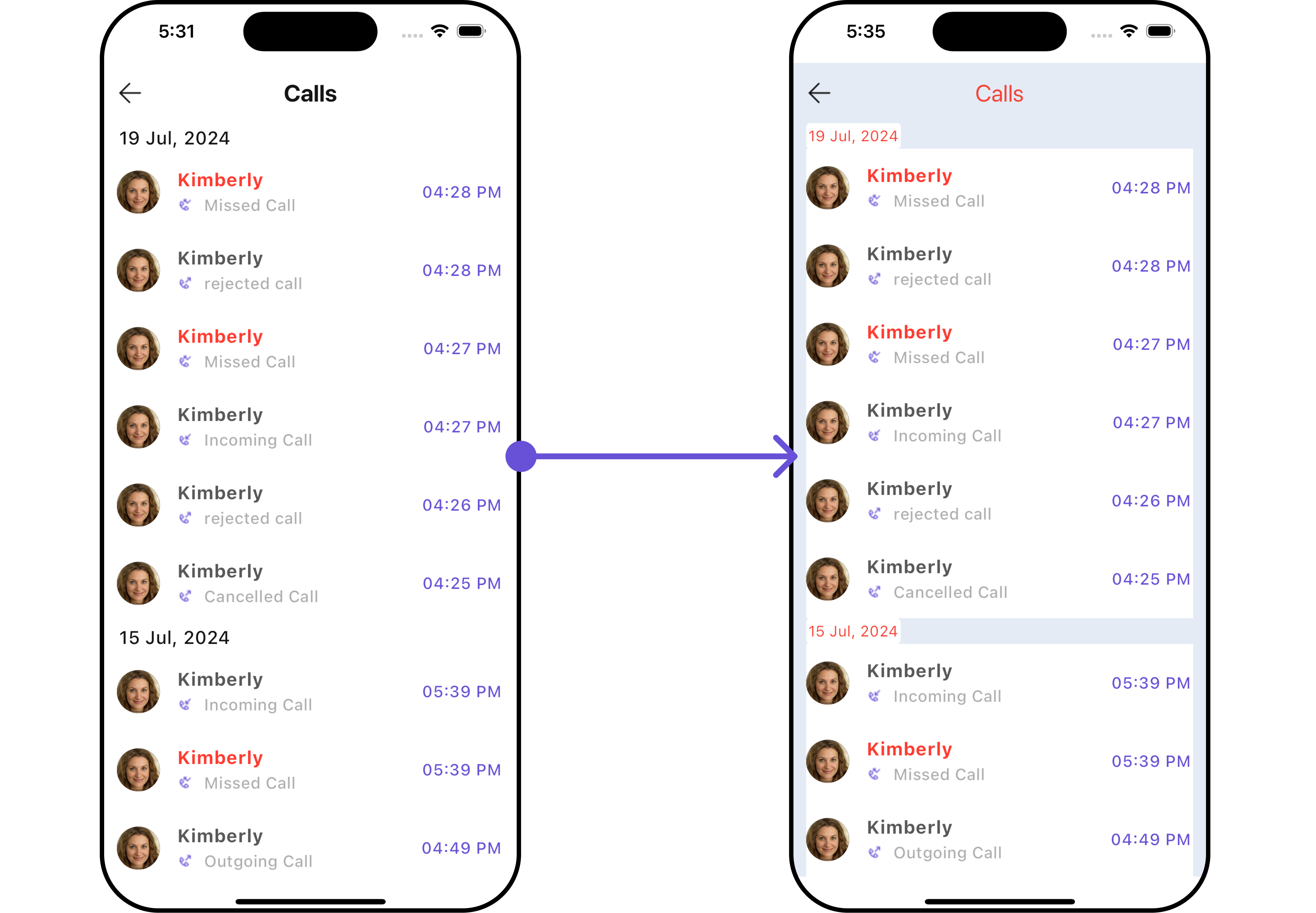
CallLogStyle
2. Avatar Styles
To apply customized styles to theAvatar widget in the CallLogs Widget, you can use the following code snippet. For further insights on Avatar Styles refer
- Dart
3. ListItem Styles
To apply customized styles to theListItemStyle widget in the CallLogs Widget, you can use the following code snippet. For further insights on ListItemStyle Styles refer
- Dart
Functionality
These are a set of small functional customizations that allow you to fine-tune the overall experience of the widget. With these, you can change text, set custom icons, and toggle the visibility of UI elements.- Dart
- Android
- iOS
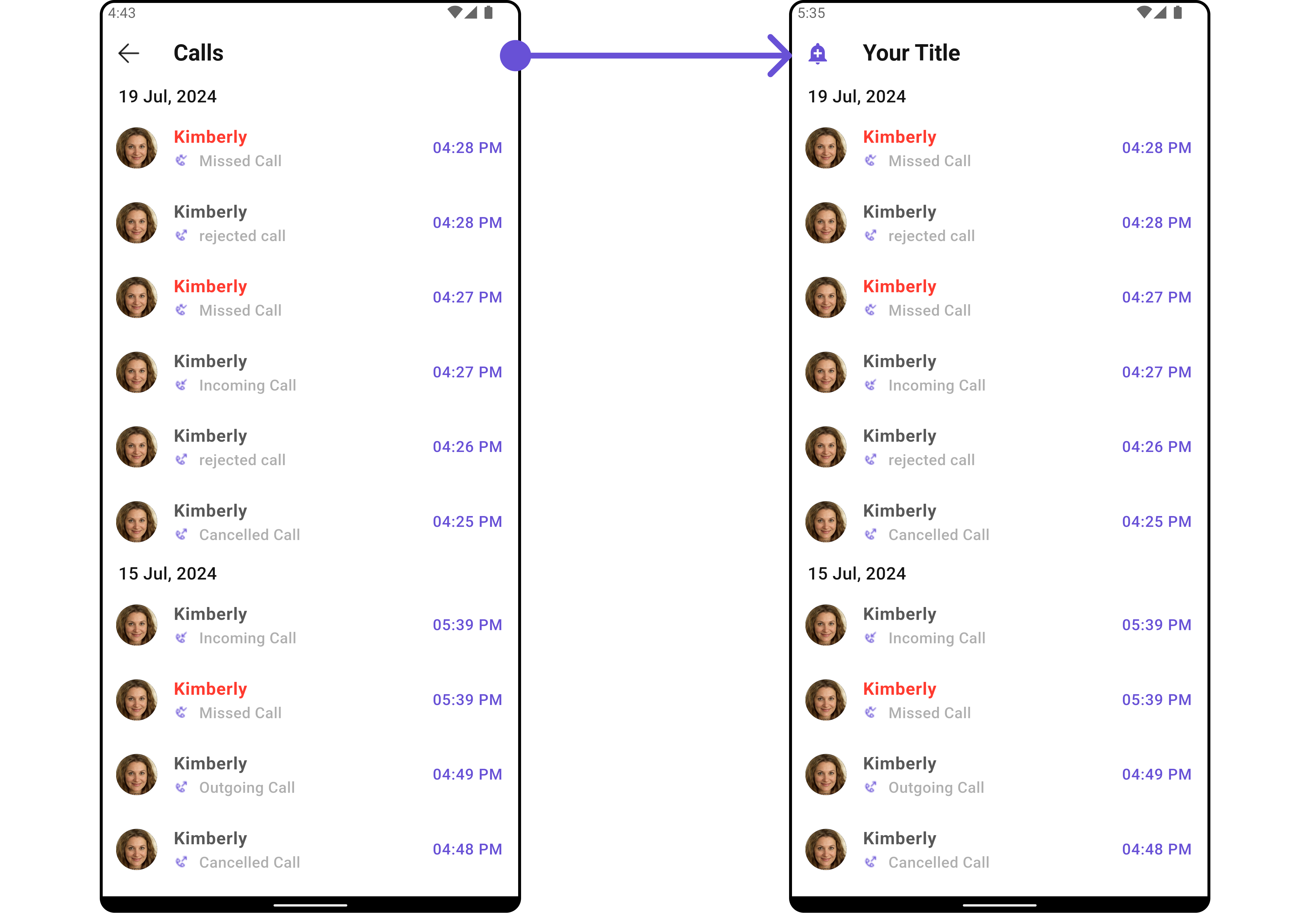
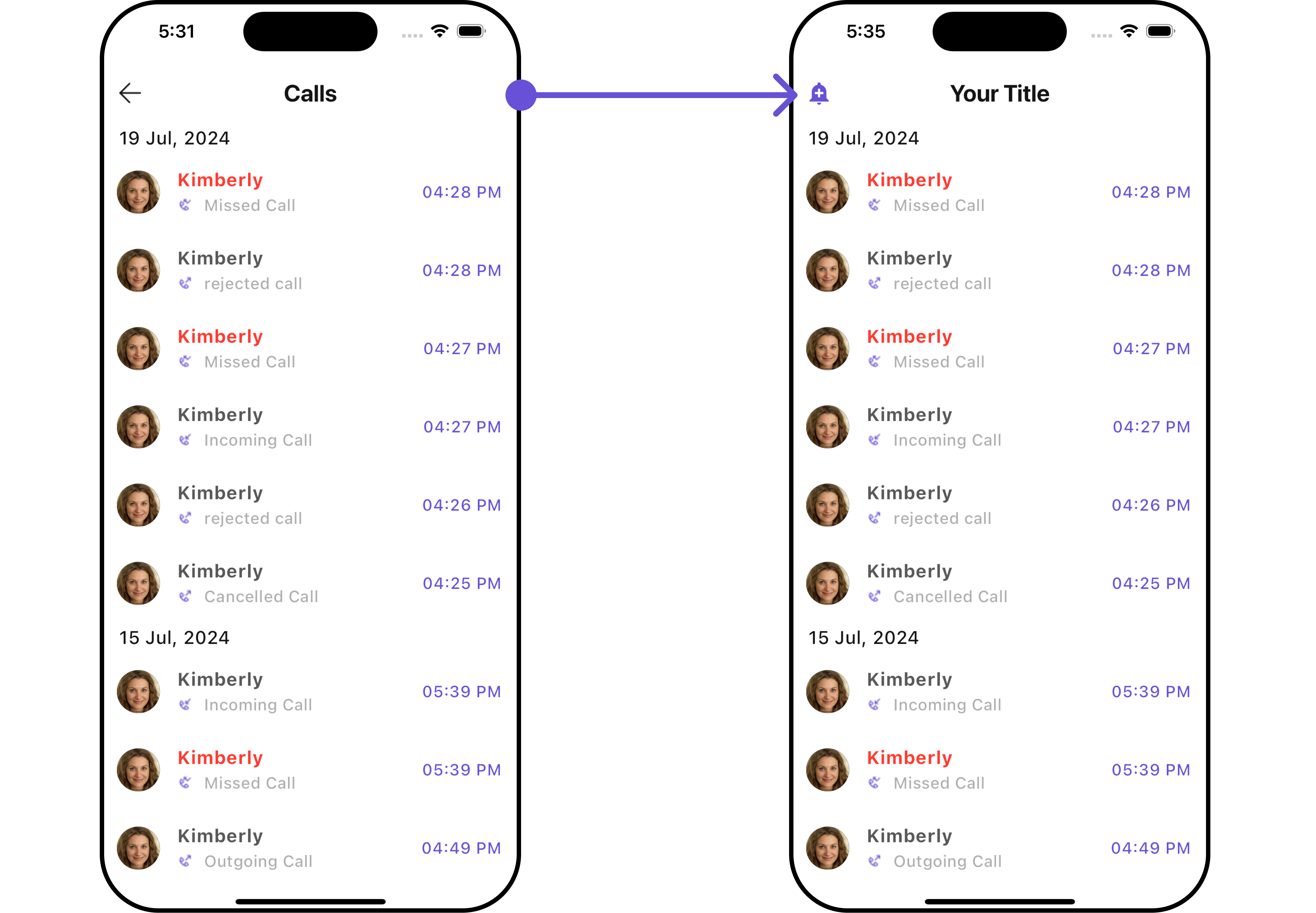
Advanced
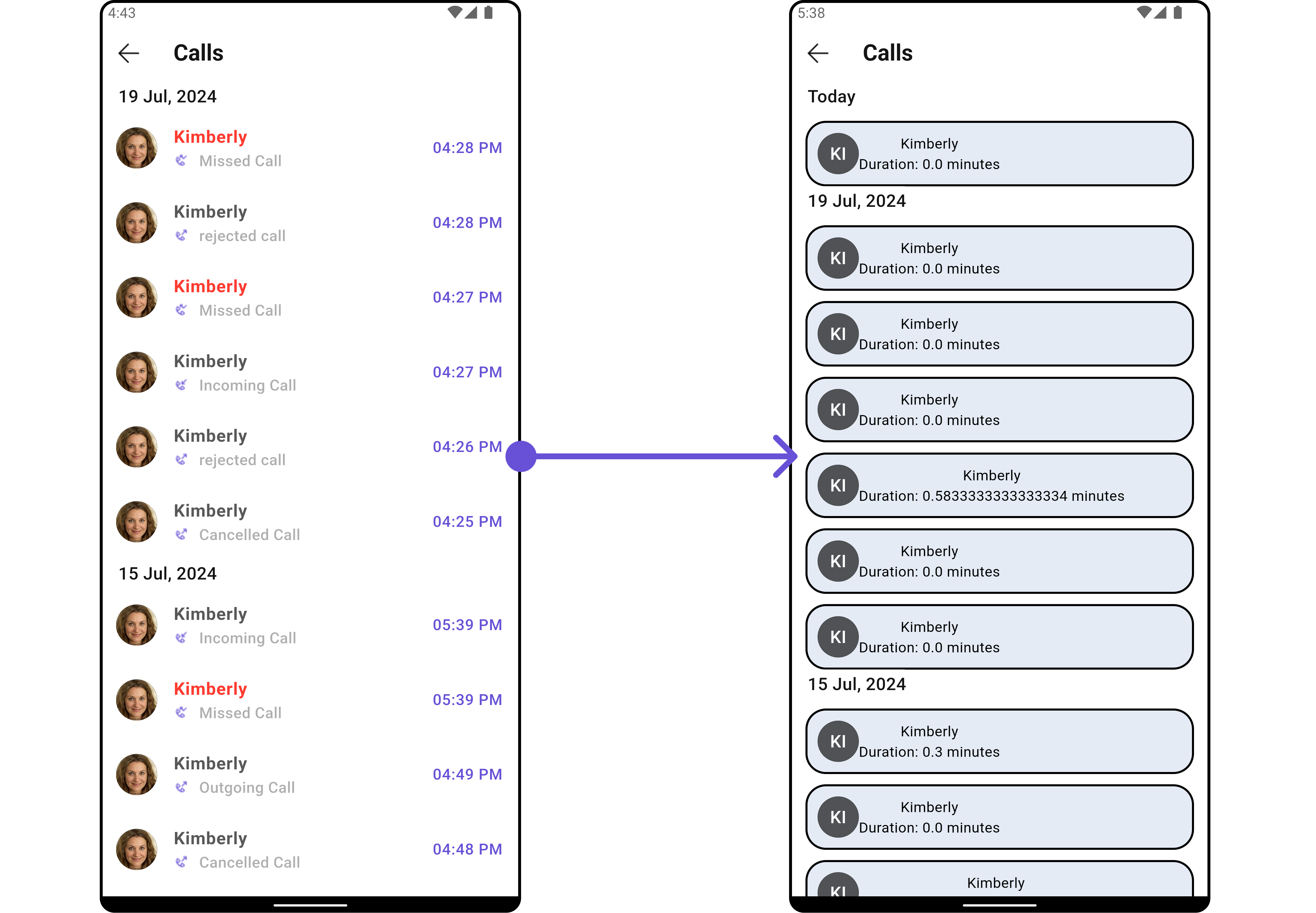
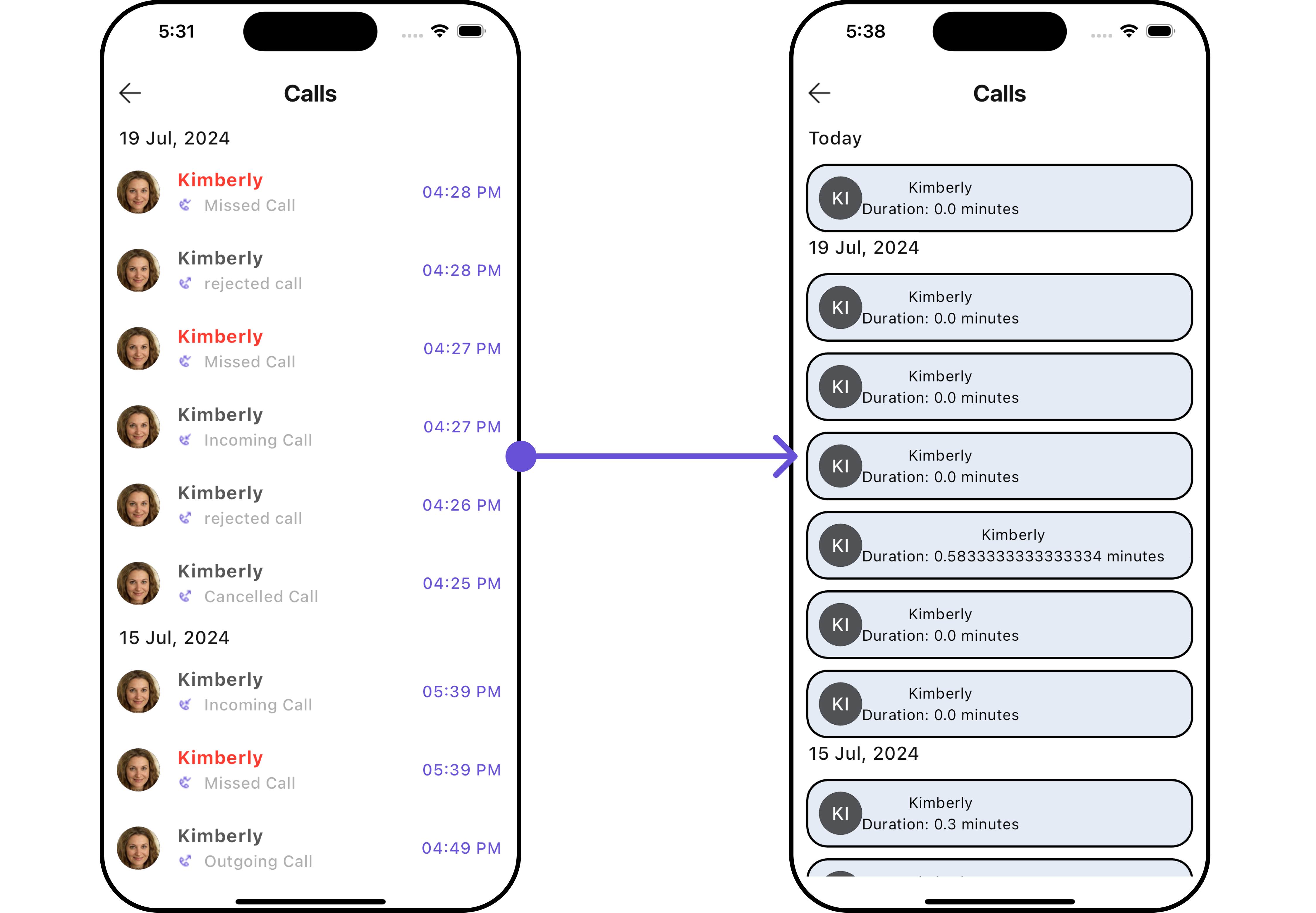
For advanced-level customization, you can set custom widgets to the widget. This lets you tailor each aspect of the widget to fit your exact needs and application aesthetics. You can create and define your widgets, layouts, and UI elements and then incorporate those into the widget.ListItemView
With this property, you can assign a custom ListItem to the Call Logs Widget. Example Here is the complete example for reference:- Dart
- Android
- iOS
SubtitleView
You can customize the subtitle widget for each call logs item to meet your requirements Example Here is the complete example for reference:- Dart
- Android
- iOS
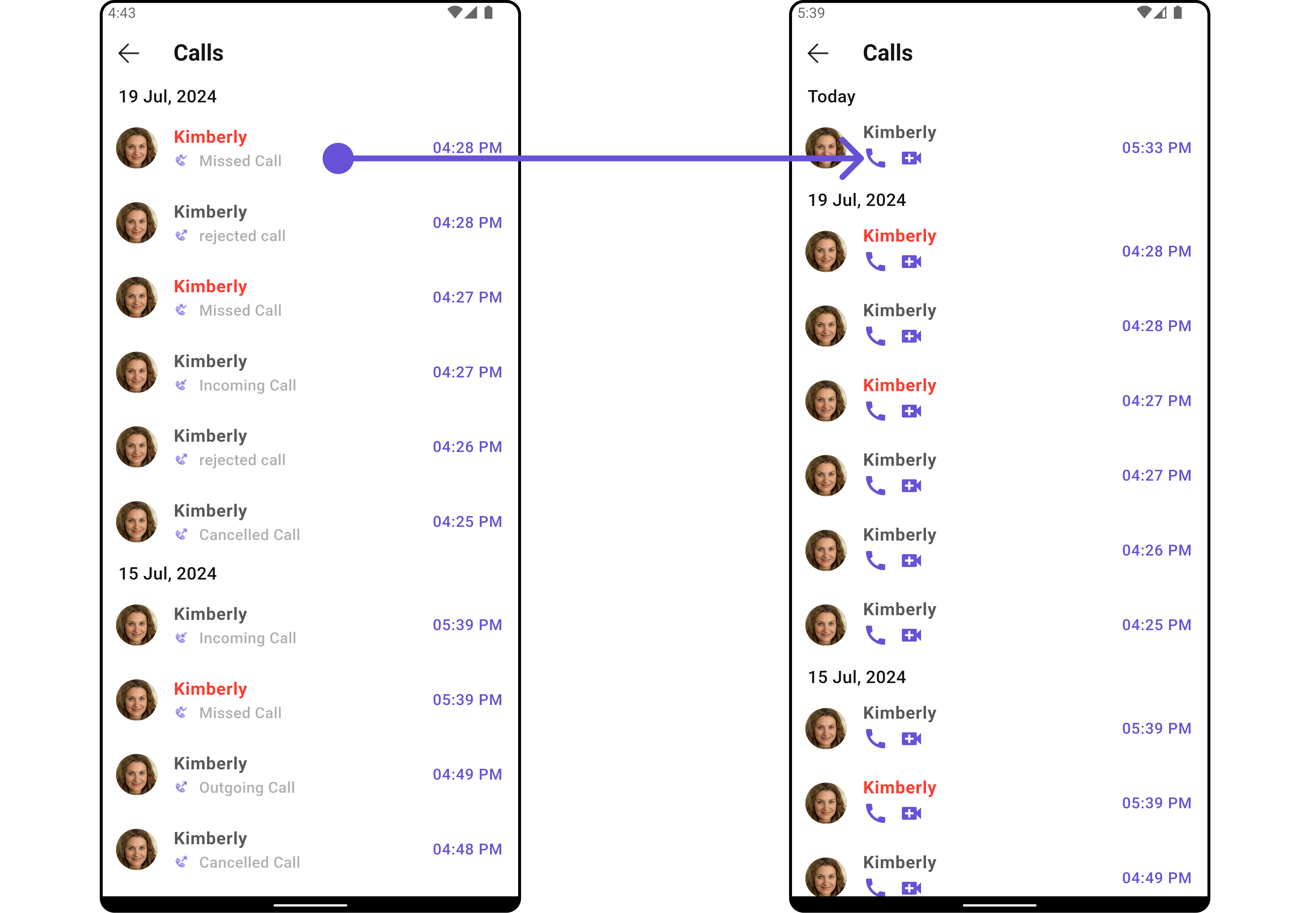
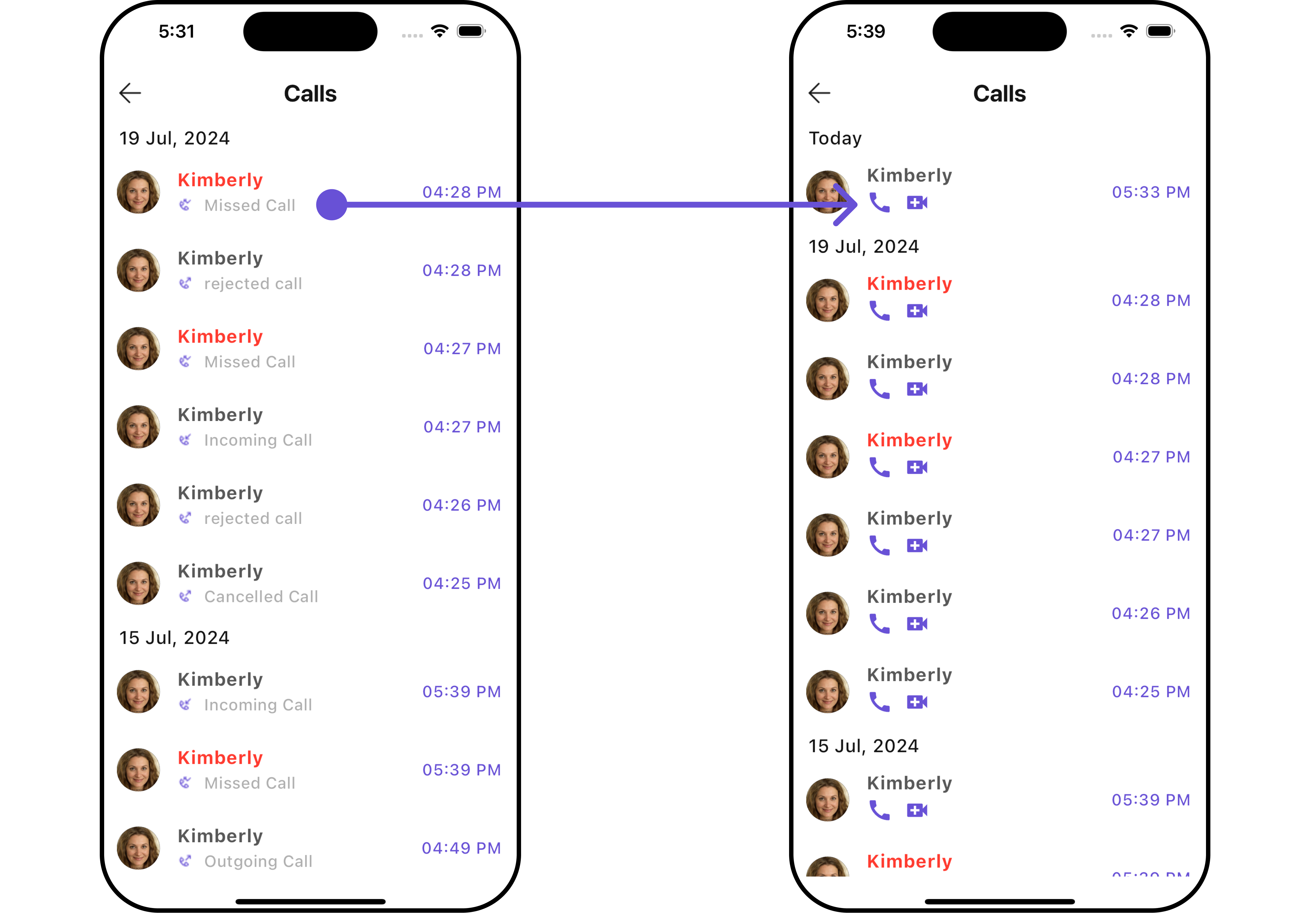
TailView
You can customize the tail widget for each call logs item to meet your requirements Example Here is the complete example for reference:- Dart
- Android
- iOS
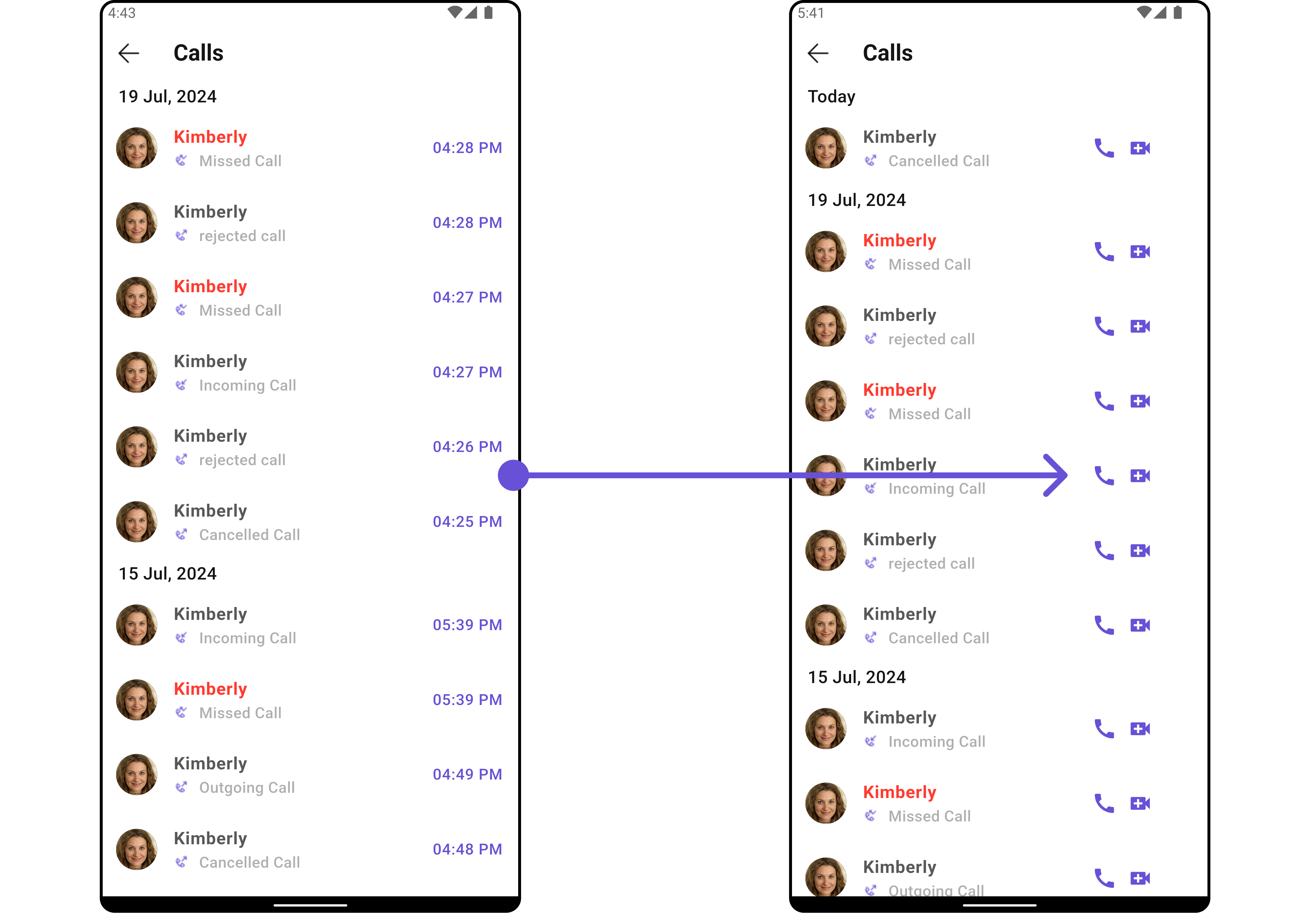
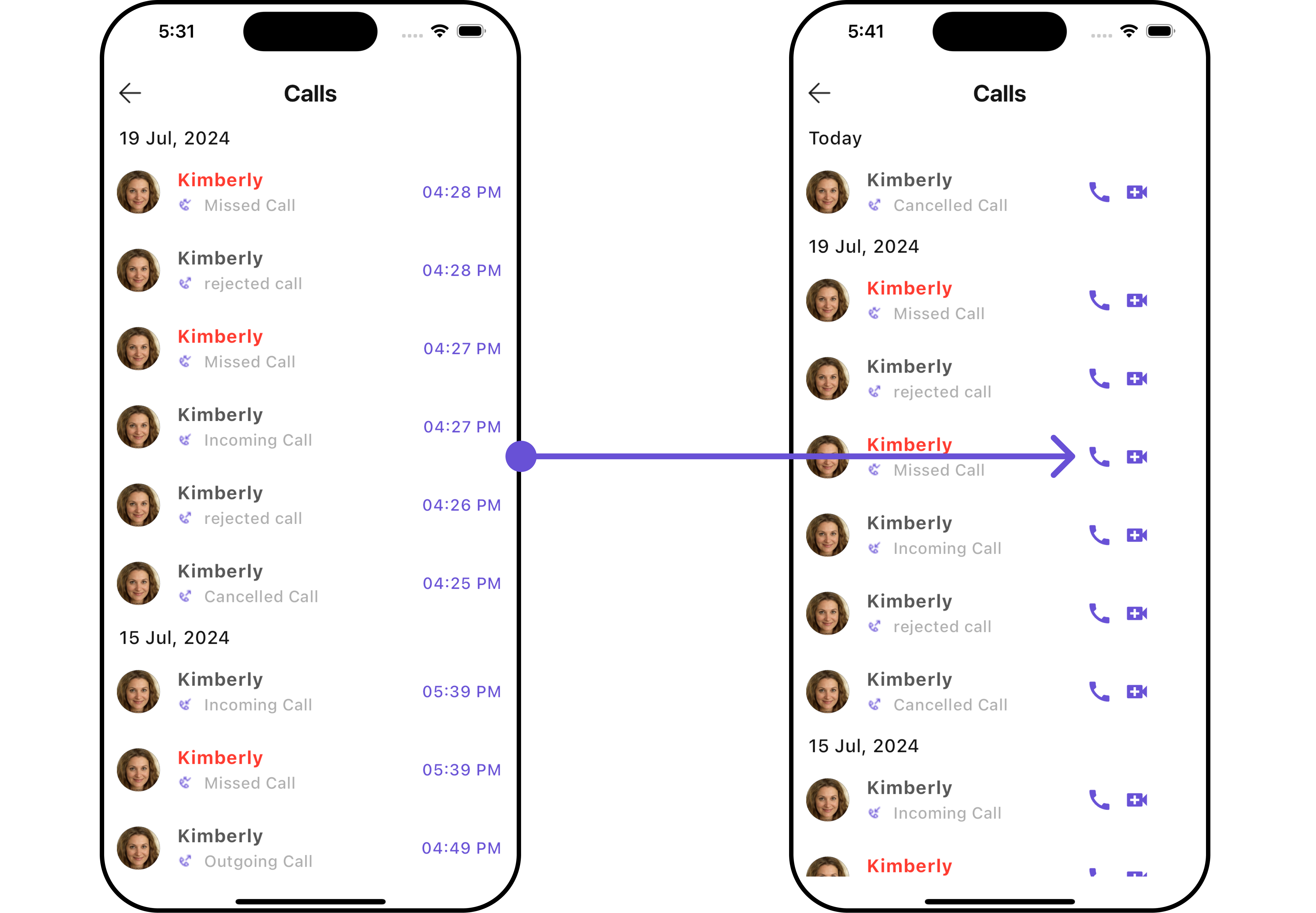
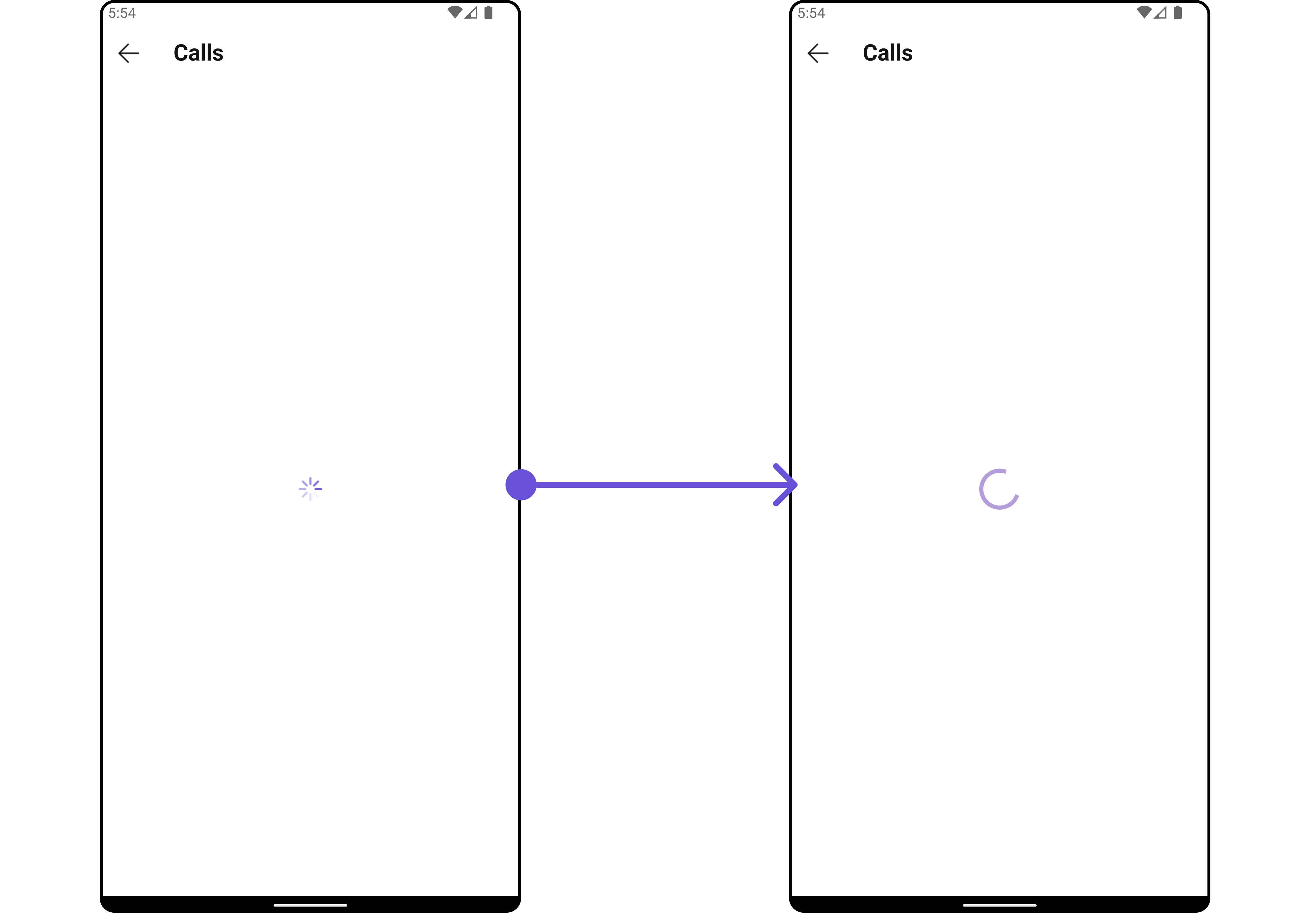
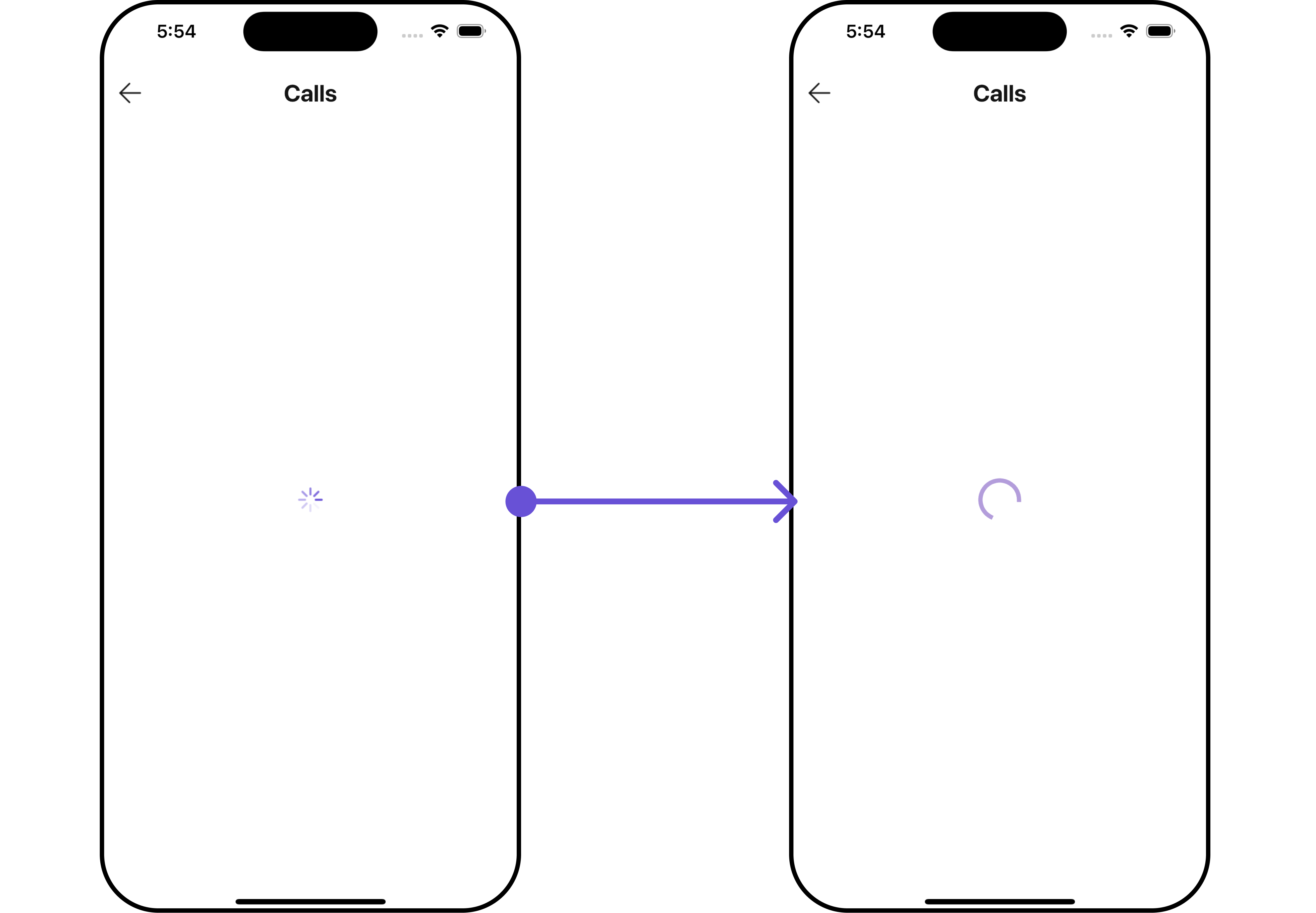
LoadingStateView
You can set a custom loader widget usingloadingStateView to match the loading widget of your app.
Example
Here is the complete example for reference:
- Dart
- Android
- iOS
EmptyStateView
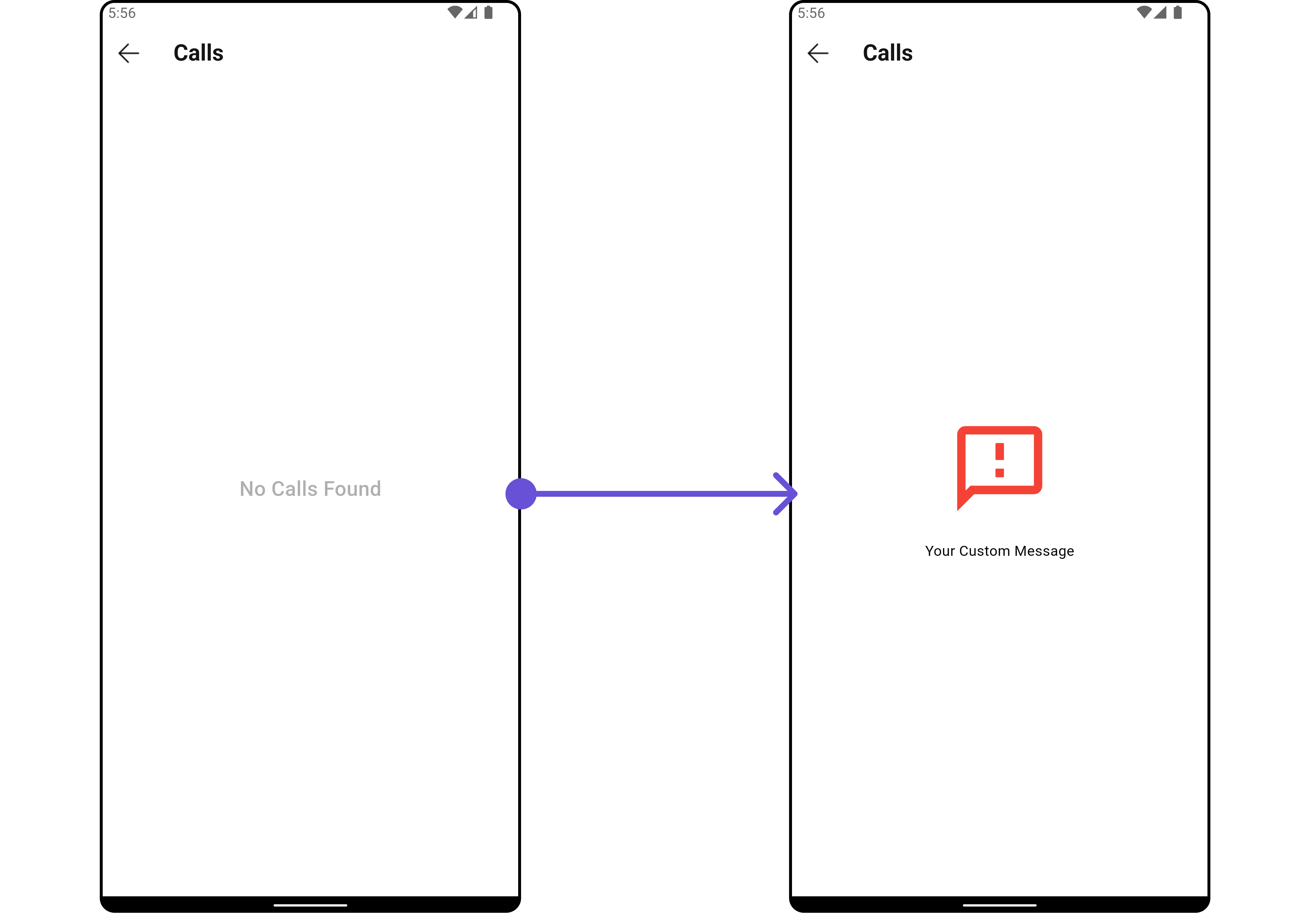
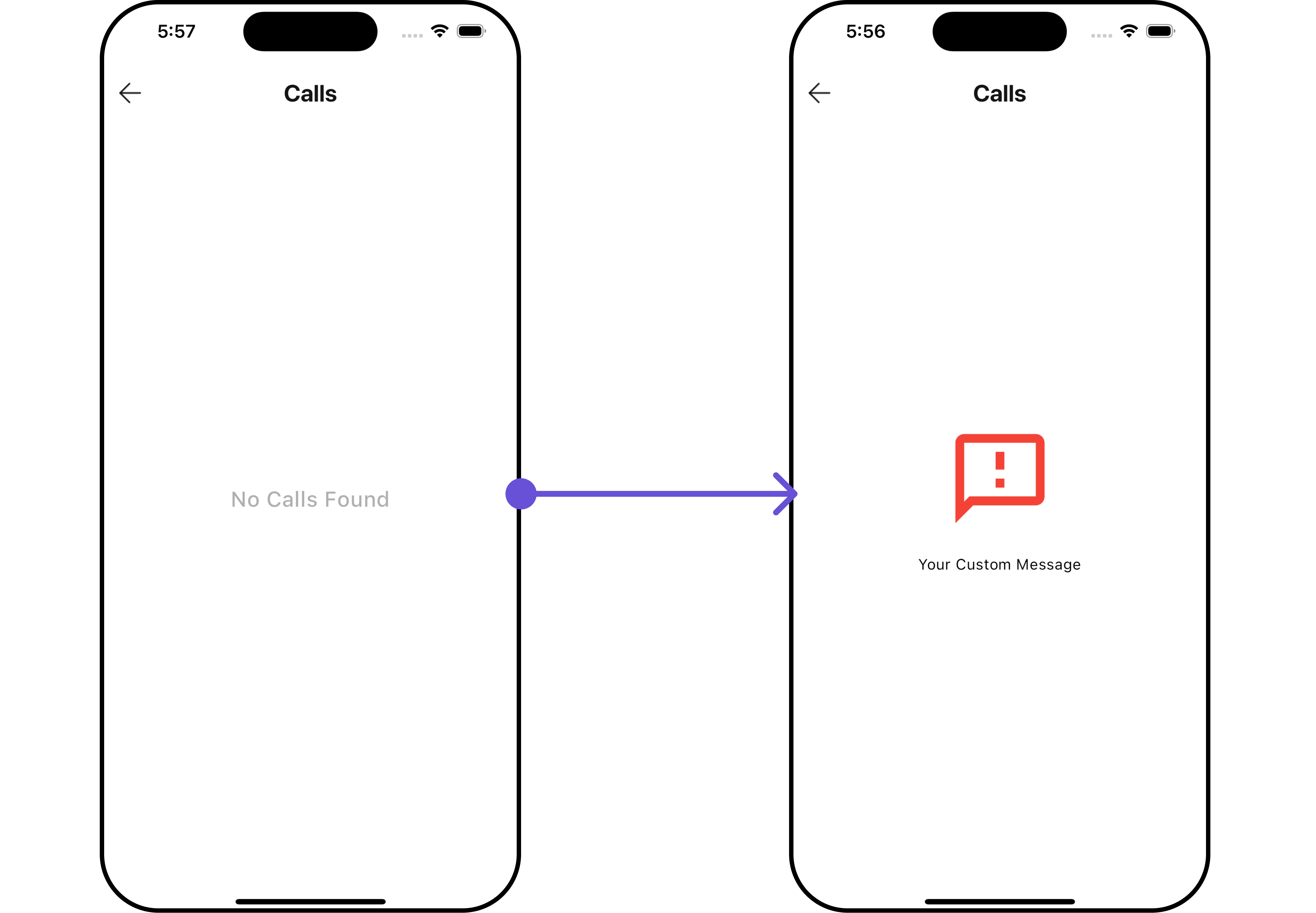
You can set a customEmptyStateView using emptyStateView to match the empty widget of your app.
Example
Here is the complete example for reference:
- Dart
- Android
- iOS
ErrorStateView
You can set a customErrorStateView using errorStateView to match the error widget of your app.
Example
Here is the complete example for reference:
- Dart
Configurations
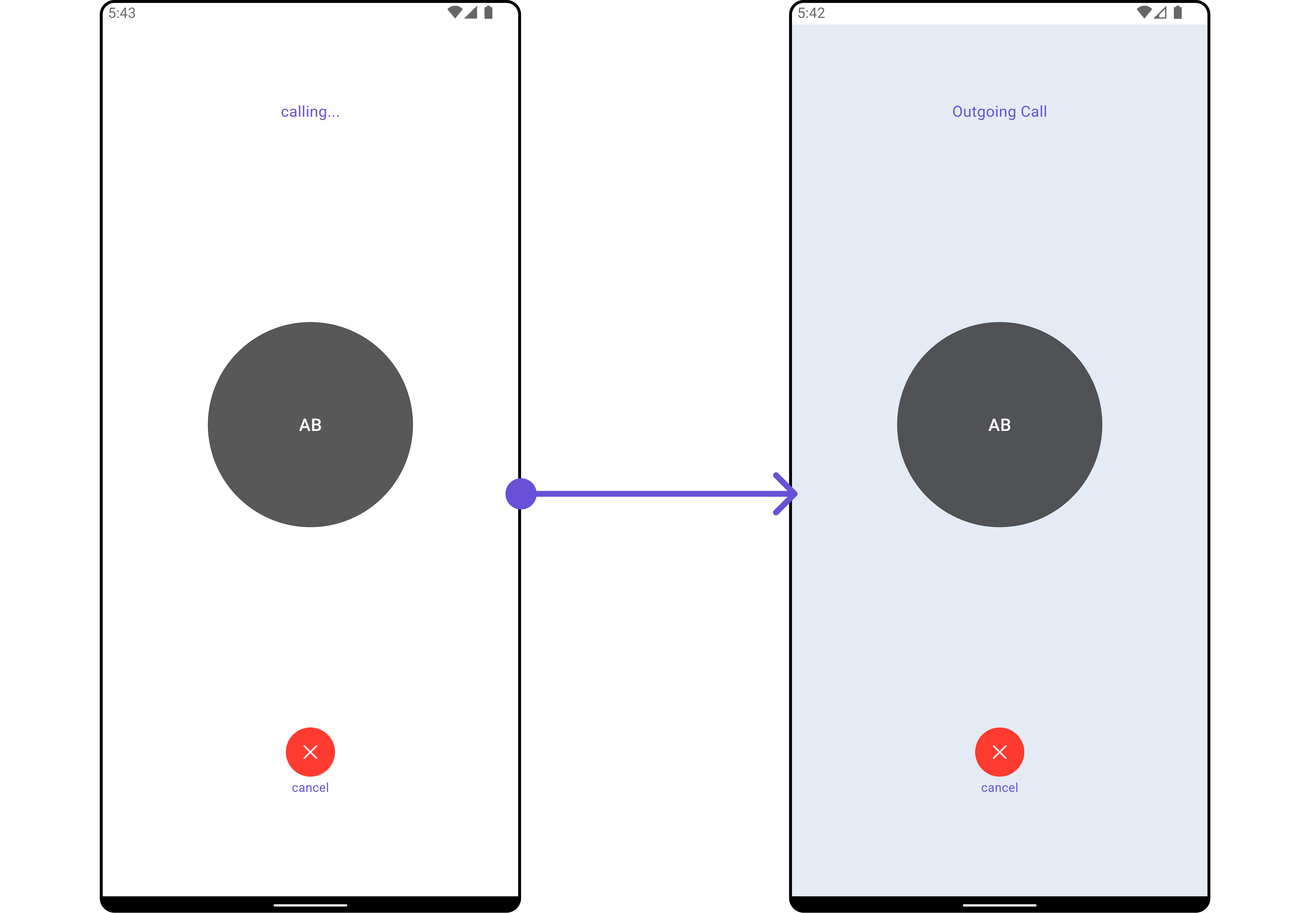
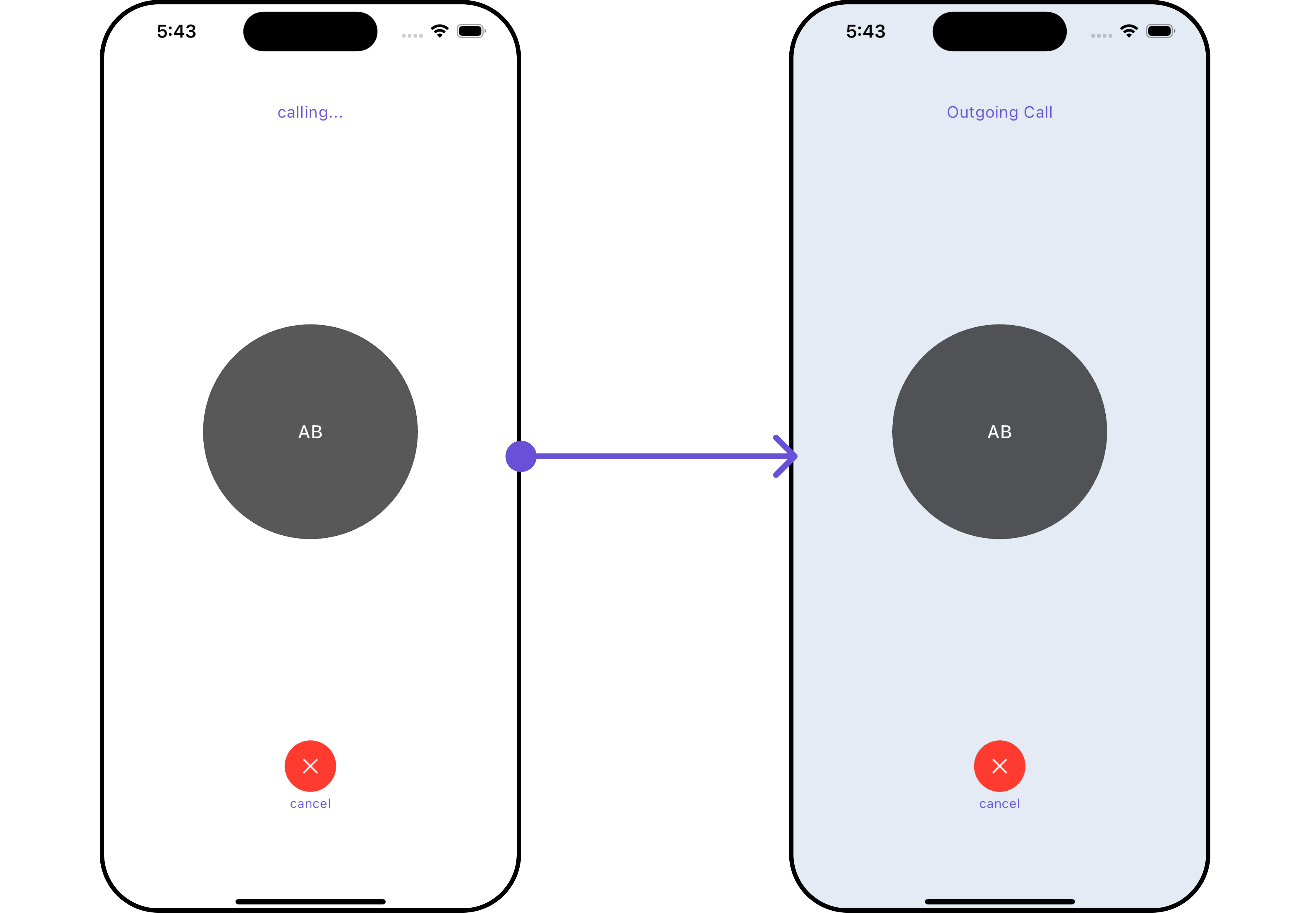
Configurations offer the ability to customize the properties of each widget within a Composite Widget.CometChatCallLogs has CometChatOutgoingCall widget. Hence, each of these widgets will have its individual `Configuration“.
Configurationsexpose properties that are available in its individual widgets.
Outgoing Call
You can customize the properties of the OutGoing Call widget by making use of theOutgoingCallConfiguration. You can accomplish this by employing the outgoingCallConfiguration props as demonstrated below:
Example
Here is the complete example for reference:
- Dart
- Android
- iOS
OutgoingCallConfiguration can be found under OutGoing Call. Properties marked with the 🛑 symbol are not accessible within the Configuration Object.