

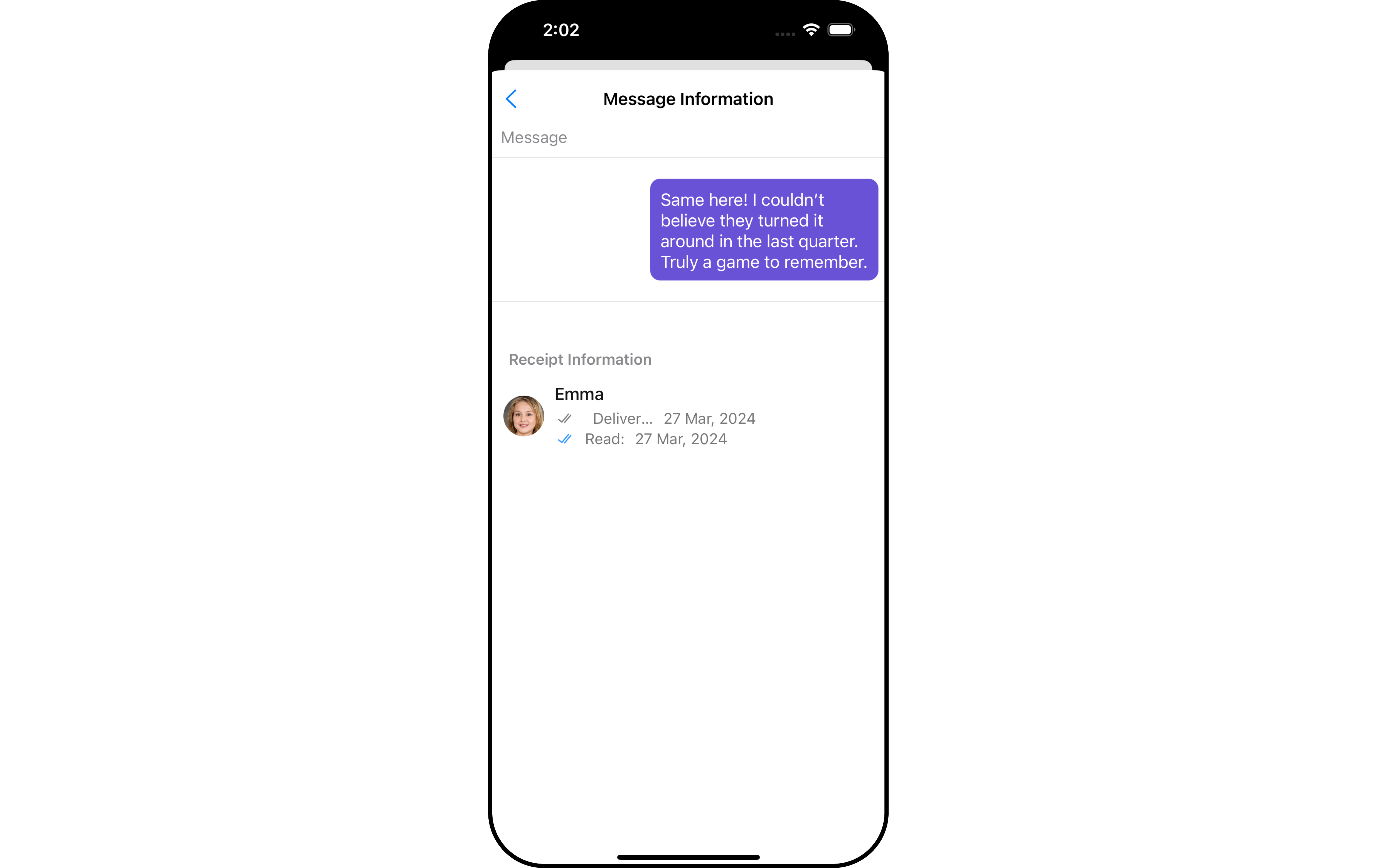
Usage
Integration
The following code snippet illustrates how you can directly incorporate the MessageInformation component into yourView_Controller file.
If you are already using a navigation controller, you can use the
pushViewController function instead of presenting the view controller.Actions
Actions dictate how a component functions. They are divided into two types: Predefined and User-defined. You can override either type, allowing you to tailor the behavior of the component to fit your specific needs.1. OnBackPress
TheOnBackButtonClick event is typically triggered when the back button is pressed and it carries a default action. However, with the following code snippet, you can effortlessly override this default operation.
- Swift
2. onError
This function is used to set a callback that triggers in response to any errors.- Swift
Filters
MessageInformation component does not have any available filters.Events
MessageInformation component does not have any available events.Customization
To fit your app’s design requirements, you can customize the appearance of the MessageInformation component. We provide exposed methods that allow you to modify the experience and behavior according to your specific needs.Style
Using Style you can customize the look and feel of the component in your app, These parameters typically control elements such as the color, size, shape, and fonts used within the component.1. MessageInformation Style
To modify the styling, you can apply the MessageInformationStyle to the MessageInformation Component using thesetStyle method.
- Swift
Functionality
These are a set of small functional customizations that allow you to fine-tune the overall experience of the component. With these, you can change text, set custom icons, and toggle the visibility of UI elements.- Swift
How to integrate CometChatMesssageInformation ?
CometChatMessageInformation is a view controller that can be presented or pushed. CometChatMessageInformation includes various attributes and methods to customize its UI.
- Swift
If you are already using a navigation controller, you can use the
pushViewController function instead of presenting the view controller.Methods
MessageInformationStyle
allows you to set the styling for message information- Swift
If you are already using a navigation controller, you can use the
pushViewController function instead of presenting the view controller.