

- iOS
- Android
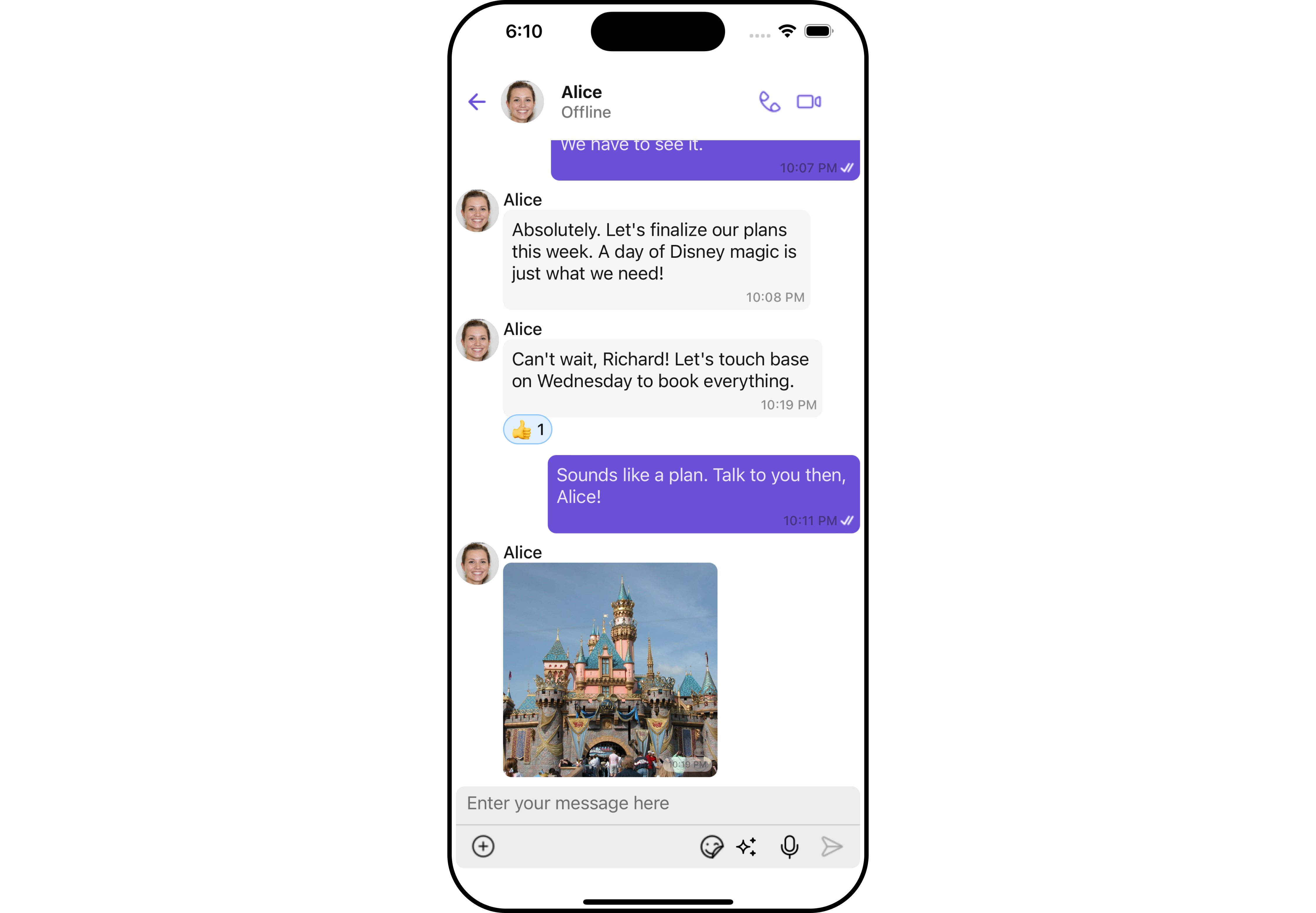
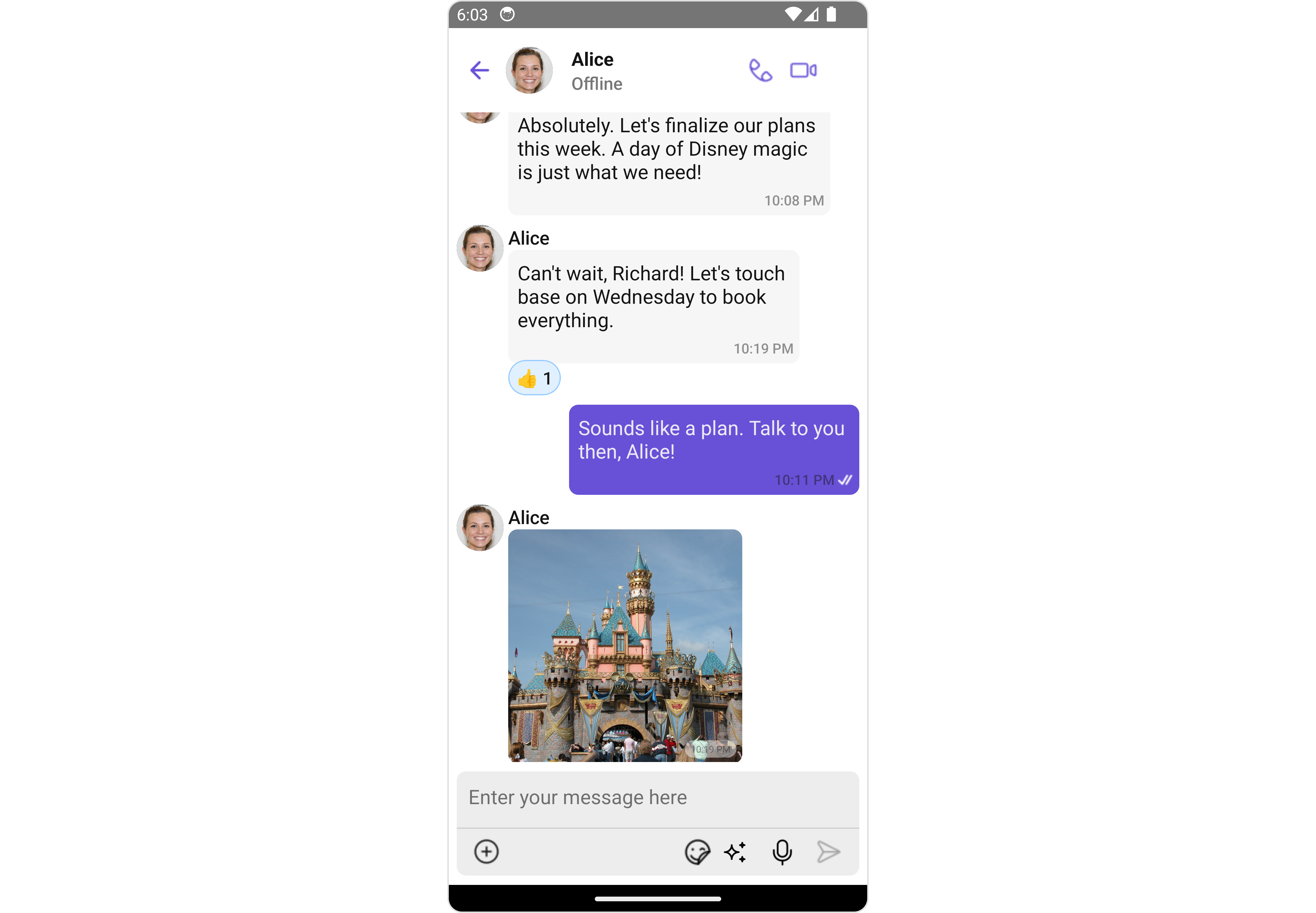
Usage
Integration
The following code snippet illustrates how you can directly incorporate the Messages component.- App.tsx
Actions
Actions dictate how a component functions. They are divided into two types: Predefined and User-defined. You can override either type, allowing you to tailor the behavior of the component to fit your specific needs. The Messages component does not have its actions. However, since it’s a Composite Component, you can use the actions of its components by utilizing the Configurations object of each component. Example In this example, we are employing the onThreadRepliesPress action from the MessageList Component through the MessageListConfiguration object.- App.tsx
- iOS
- Android
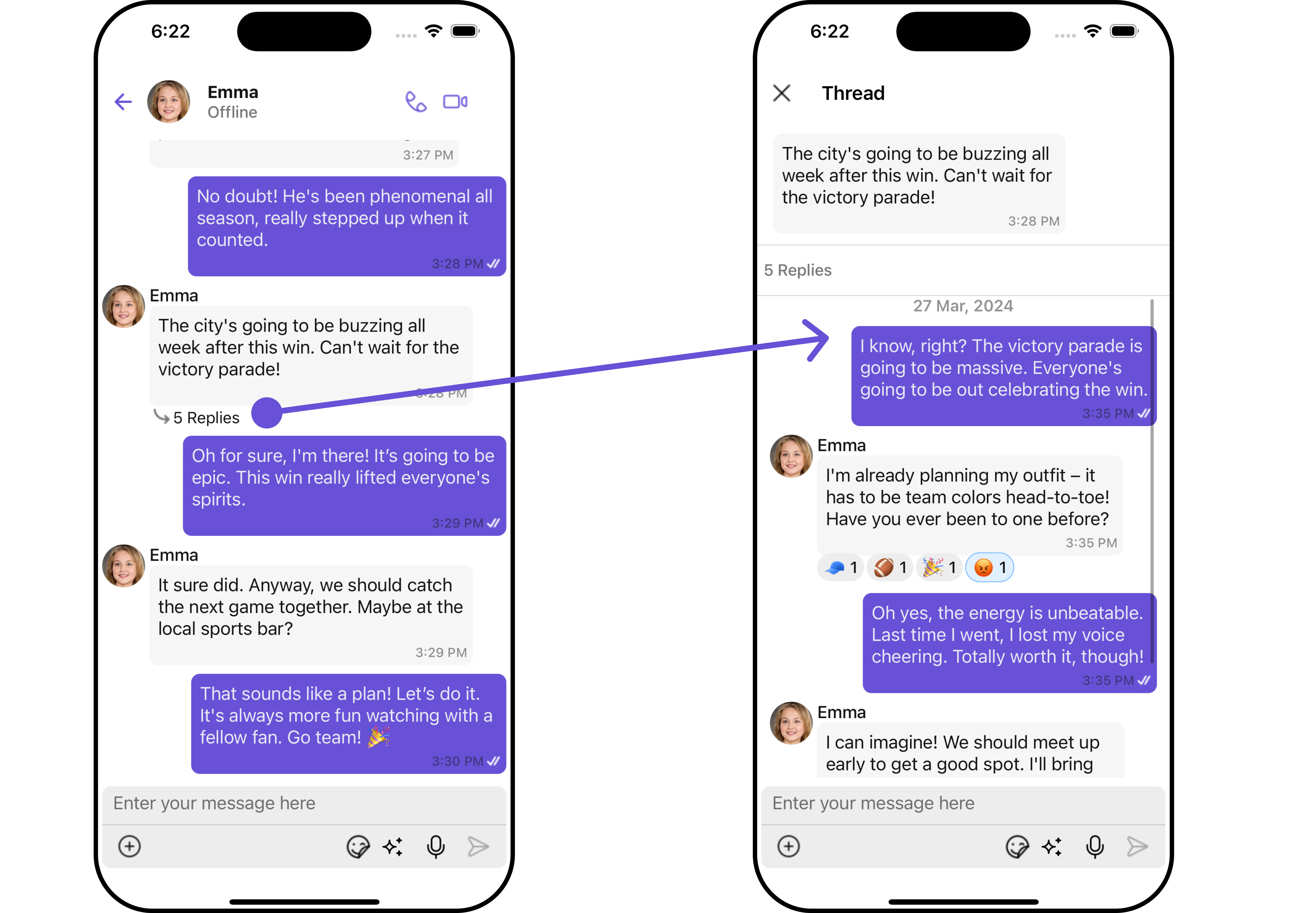
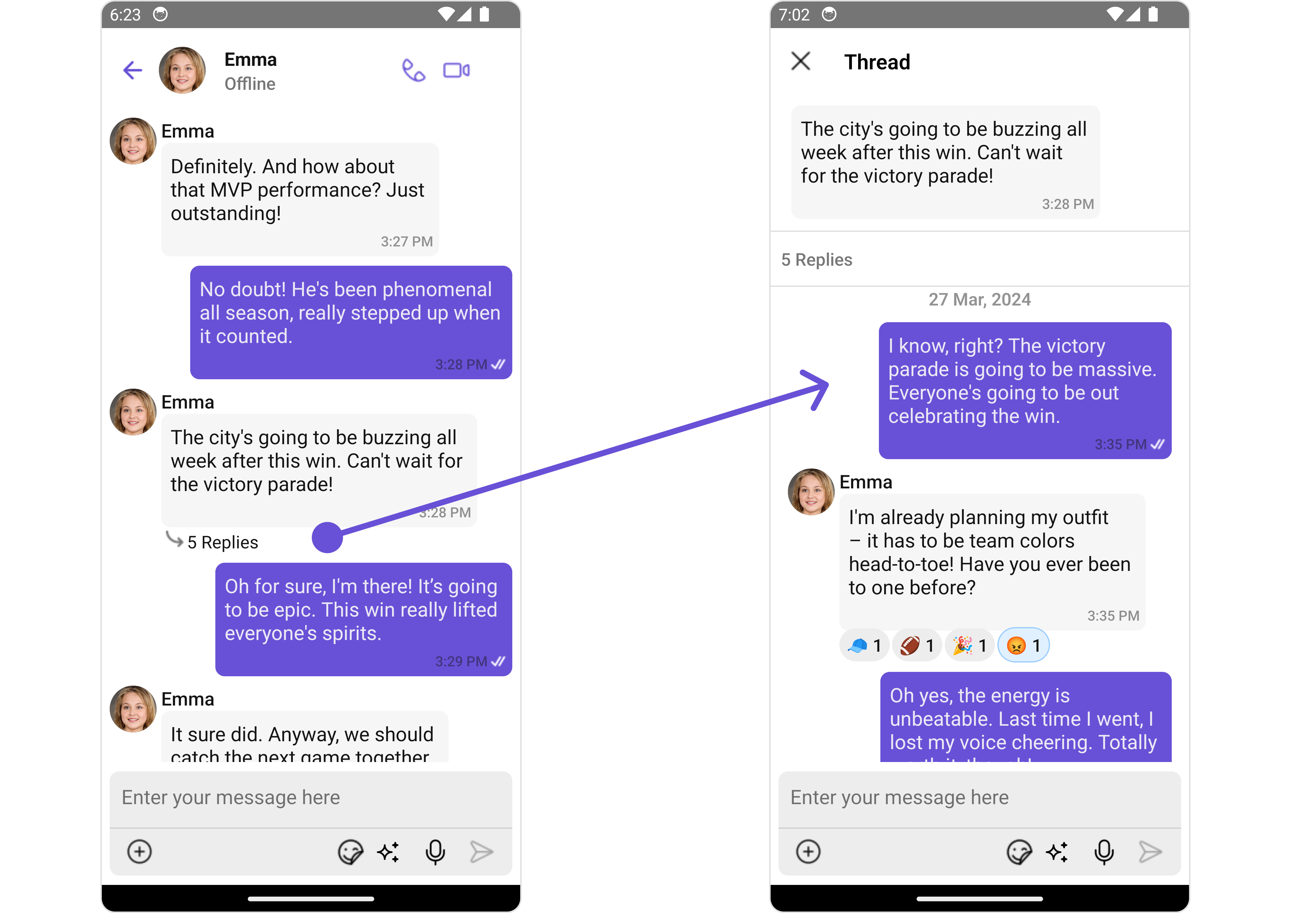
Filters
Filters allow you to customize the data displayed in a list within a Component. You can filter the list based on your specific criteria, allowing for a more customized. Filters can be applied using RequestBuilders of Chat SDK. The Messages component does not have its filters. But as it is a Composite Component, you can use the filters of its components by using the Configurations object of each component. For more details on the filters of its components, please refer to MessageList Filters. Example In this example, we’re applying the MessageList Component filter to the Messages Component usingMessageListConfiguration.
- App.tsx
Events
Events are emitted by aComponent. By using event you can extend existing functionality. Being global events, they can be applied in Multiple Locations and are capable of being Added or Removed.
Customization
To fit your app’s design requirements, you can customize the appearance of the conversation component. We provide exposed methods that allow you to modify the experience and behavior according to your specific needs.Style
Using Style you can customize the look and feel of the component in your app, These parameters typically control elements such as the color, size, shape, and fonts used within the component.1. Messages Style
You can customize the appearance of the Messages Component by applying the MessagesStyle to it using the following code snippet.- App.tsx
2. Component’s Styles
Being a Composite component, the Messages Component allows you to customize the styles of its components using their respective Configuration objects. For a list of all available properties, refer to each component’s styling documentation: MesssageHeader Styles, MessageList Styles, MessageComposer Styles, Details Styles, ThreadMessages Styles. Example In this example, we are creatingMessageListStyle and MessageComposerStyle and then applying them to the Messages Component using MessageListConfiguration and MessageComposerConfiguration.
- App.tsx
Functionality
These are a set of small functional customizations that allow you to fine-tune the overall experience of the component. With these, you can change text, set custom icons, and toggle the visibility of UI elements.- App.tsx
Advanced
For advanced-level customization, you can set custom views to the component. This lets you tailor each aspect of the component to fit your exact needs and application aesthetics. You can create and define your views, layouts, and UI elements and then incorporate those into the component.MessageHeaderView
You can set your custom message header view using the “ method. But keep in mind, by using this you will override the default message header functionality.- App.tsx
- iOS
- Android
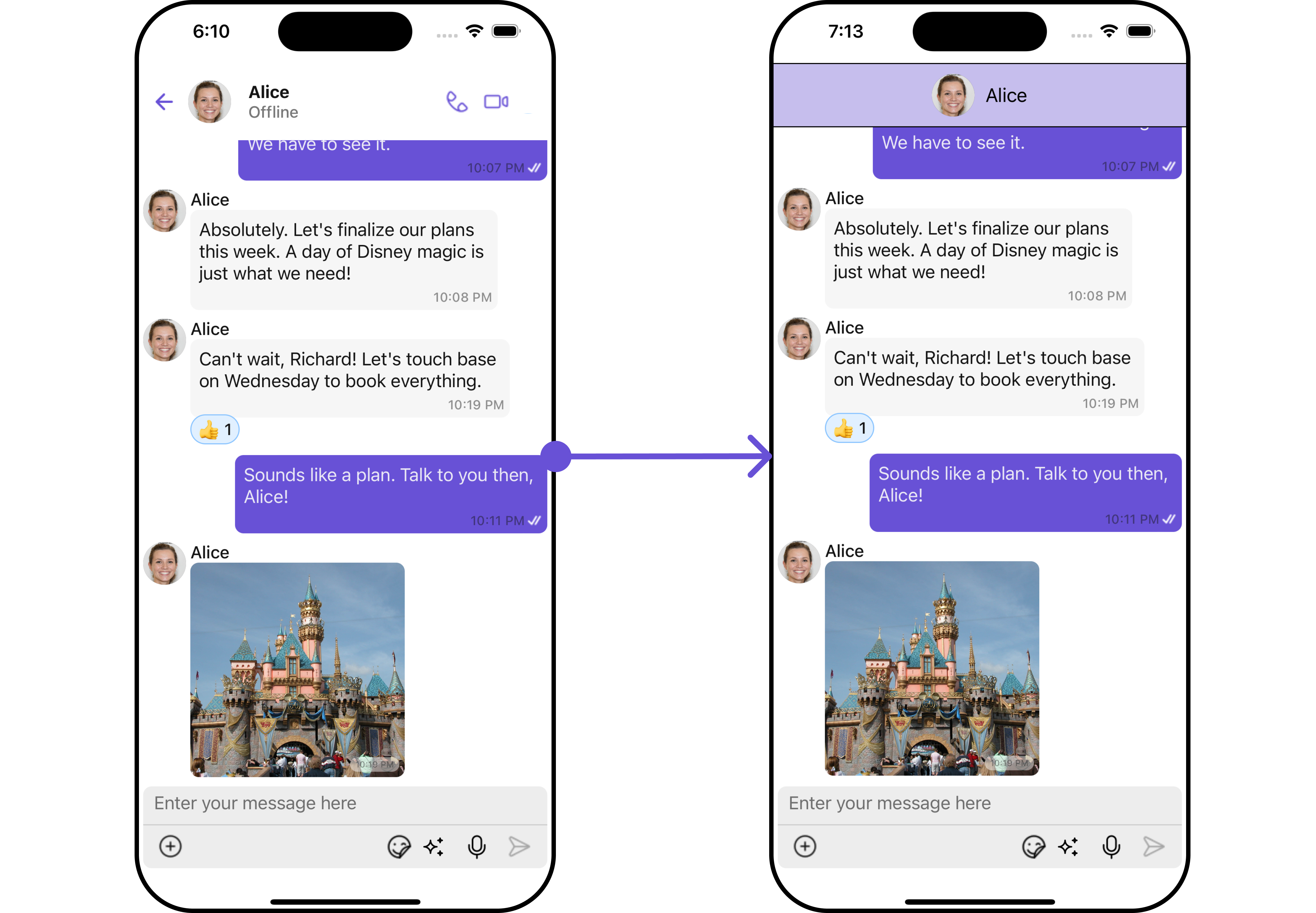
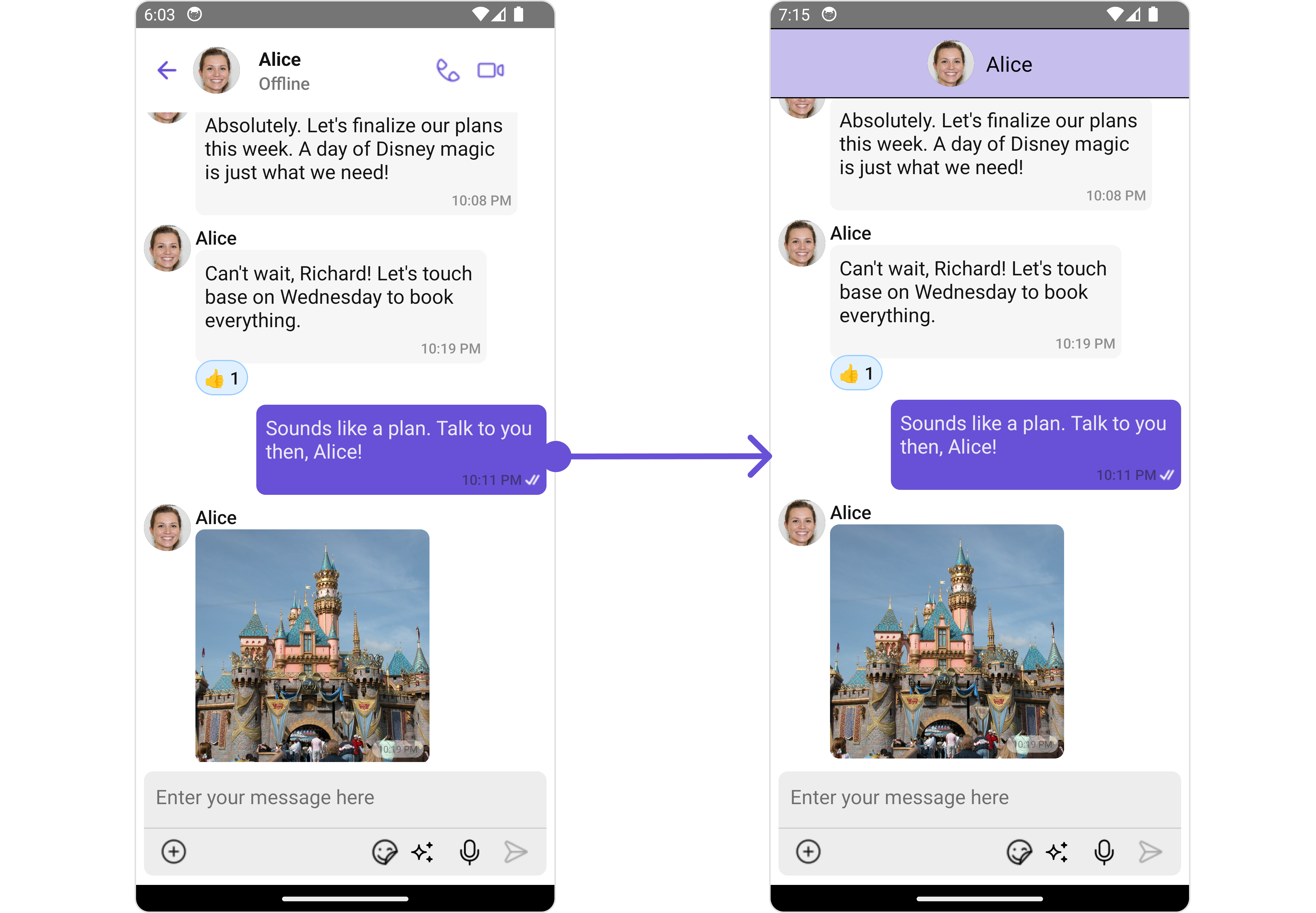
MessageListView
You can set your custom message list view using themessageListView method. But keep in mind, by using this you will override the default message ListView functionality.
- App.tsx
- iOS
- Android
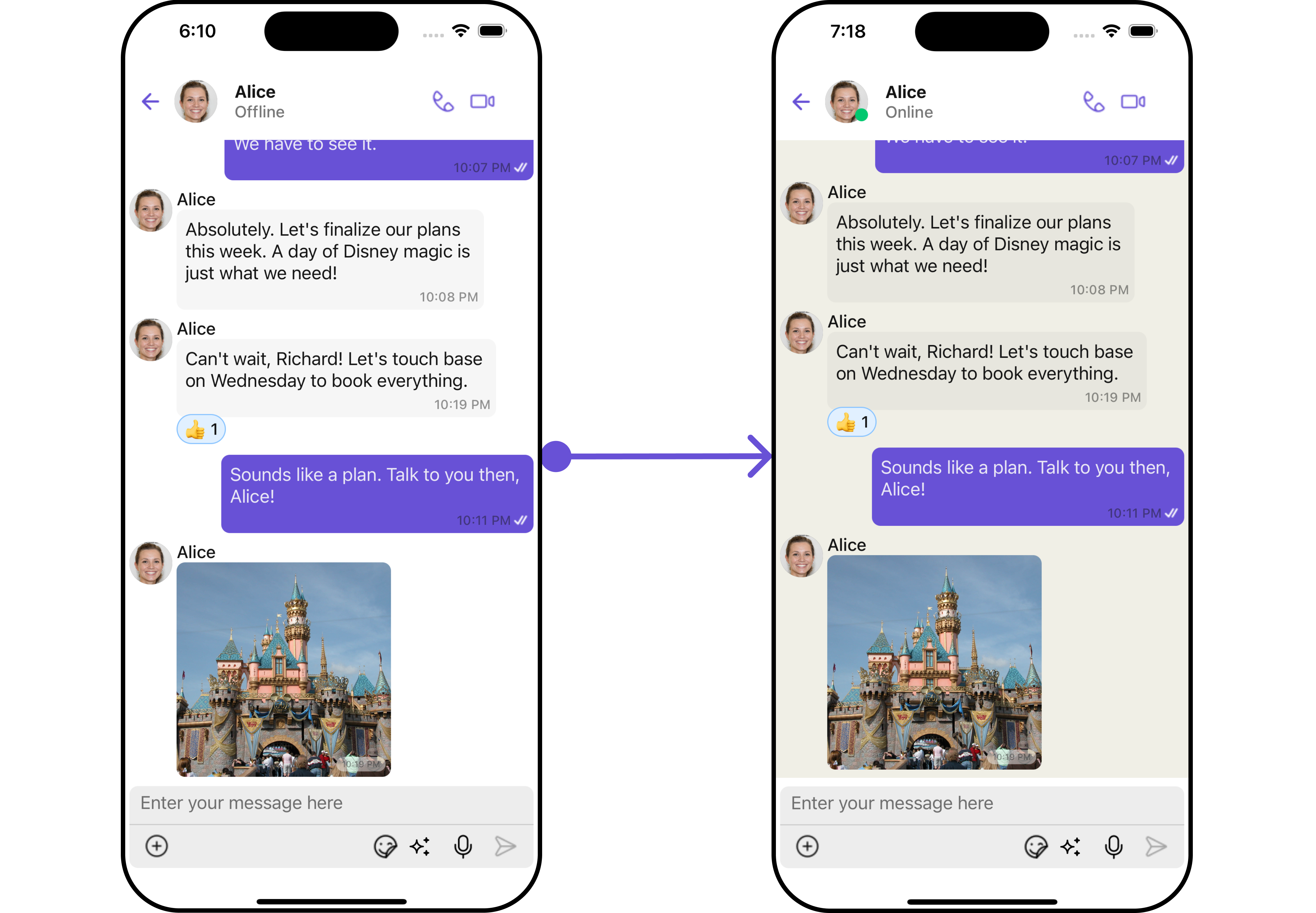
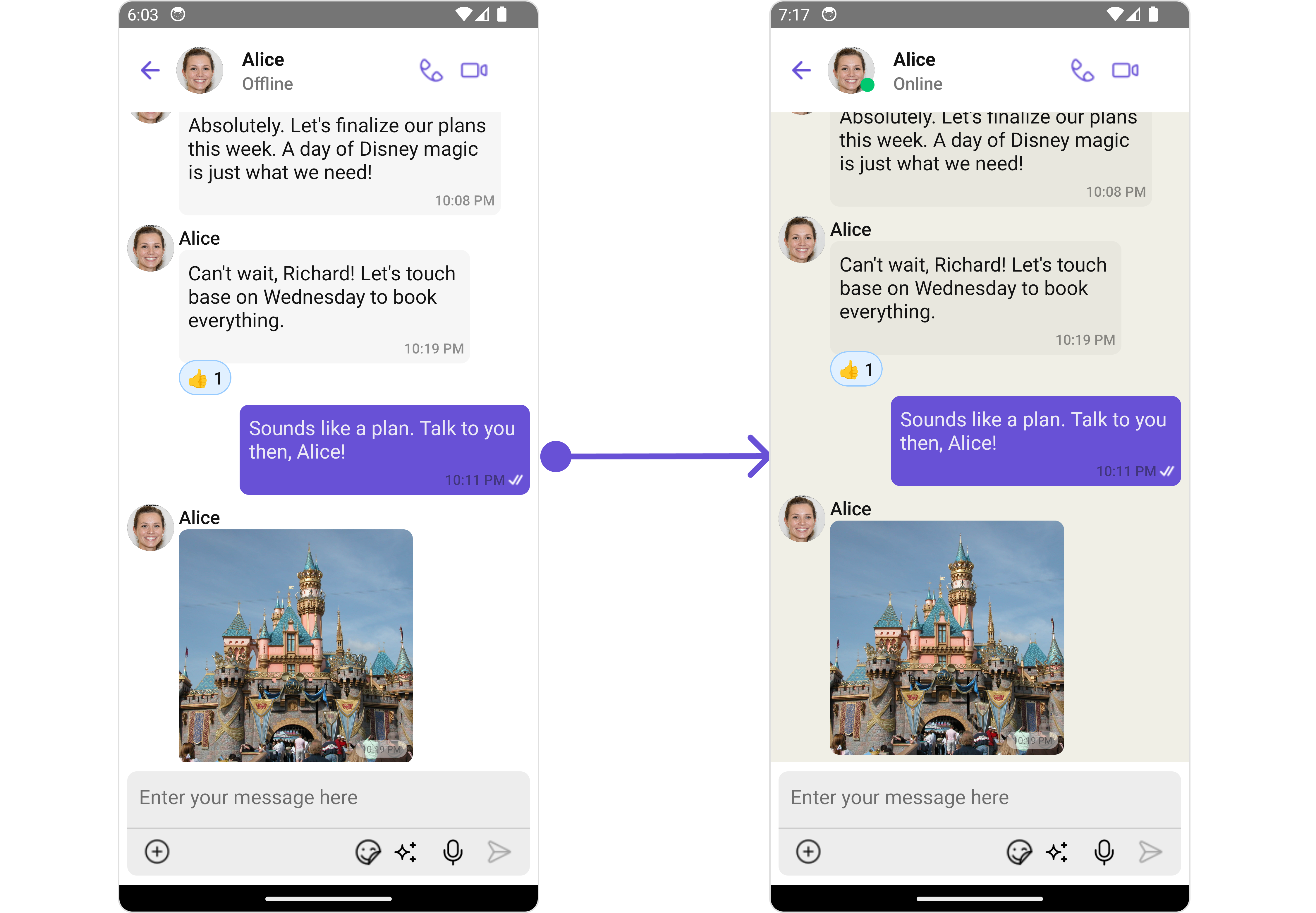
MessageComposerView
You can set your custom Message Composer view using theMessageComposerView method. But keep in mind, by using this you will override the default message composer functionality.
- App.tsx
AuxilaryAppBarOptions
You can set a custom header menu option by using theAuxilaryAppBarOptions method.
- App.tsx
Configuration
Configurations offer the ability to customize the properties of each individual component within a Composite Component. The Messages Component is a Composite Component and it has a specific set of configuration for each of its components.MessageHeader
If you want to customize the properties of the MessageHeader Component inside Messages Component, you need use theMessageHeaderConfiguration object.
- App.tsx
MessageHeaderConfiguration provides access to all the Action, Filters, Styles, Functionality, and Advanced properties of the MessageHeader component.
infoPlease note that the 🛑 symbol are not accessible within the Configuration Object.
- iOS
- Android
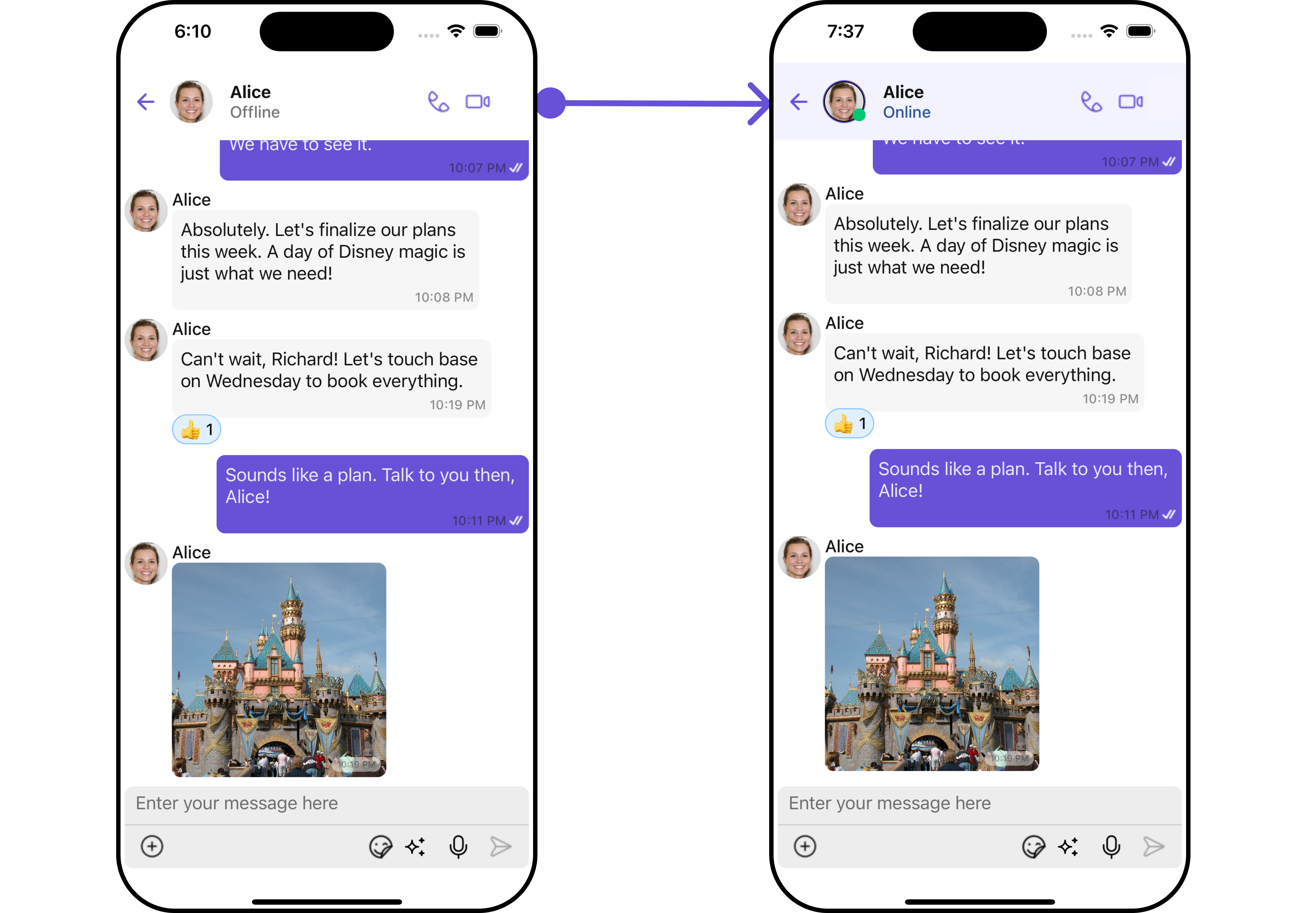
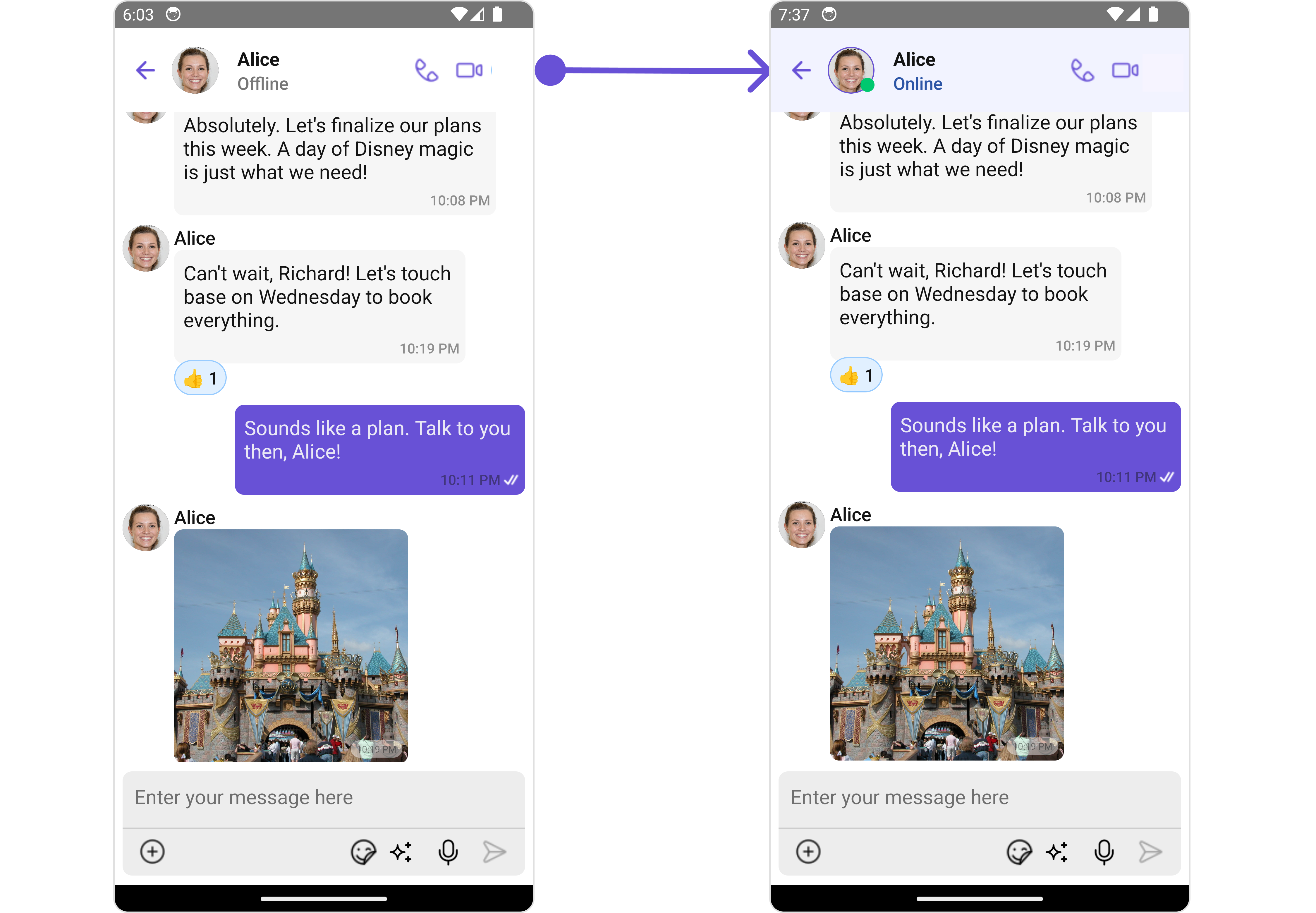
MessageHeaderConfiguration.
- JavaScript
MessageList
If you want to customize the properties of the MessageList Component inside Messages Component, you need use theMessageListConfiguration object.
- App.tsx
MessageListConfiguration provides access to all the Action, Filters, Styles, Functionality, and Advanced properties of the MessageList component.
infoPlease note that the 🛑 symbol are not accessible within the Configuration Object.
- iOS
- Android
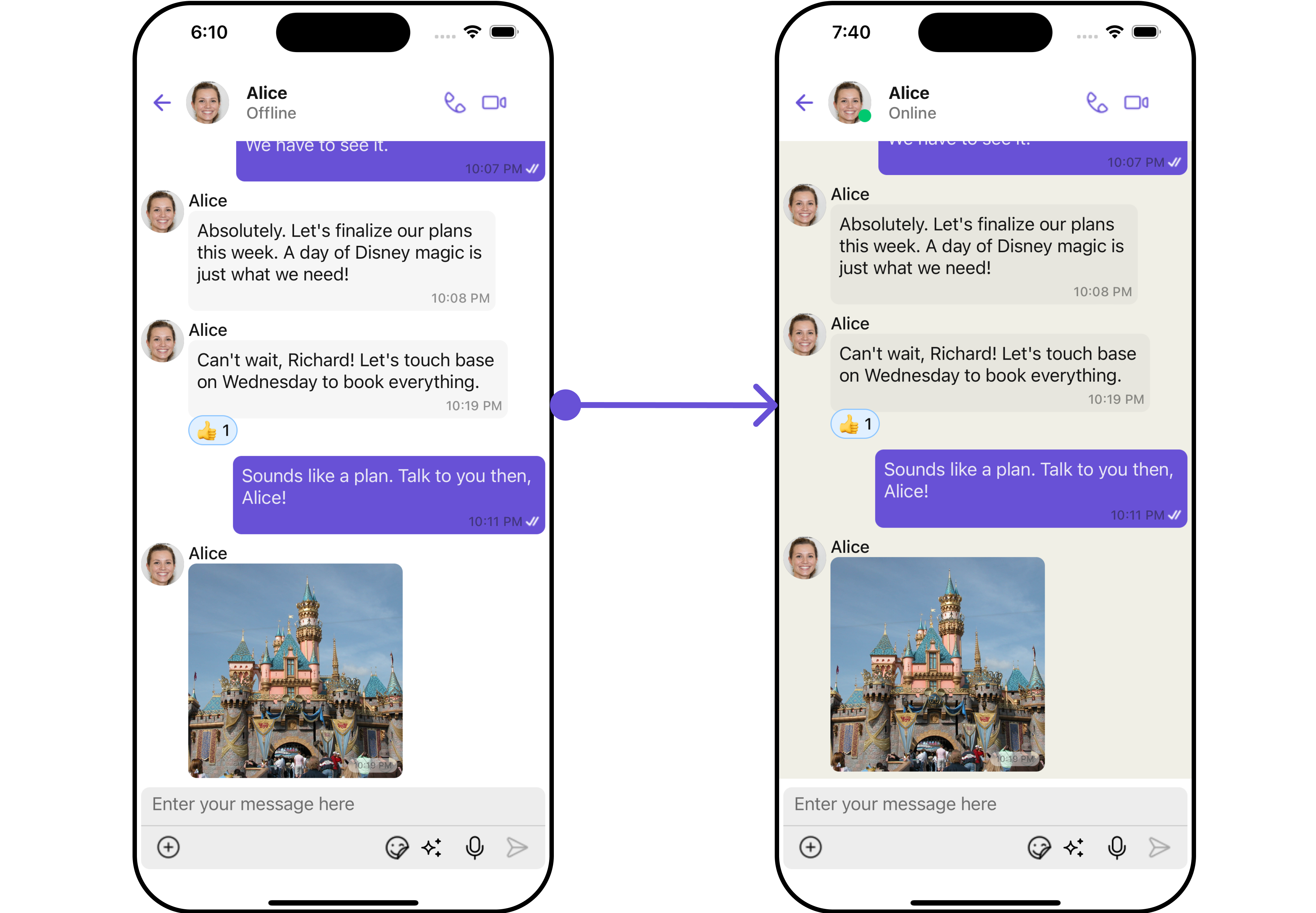
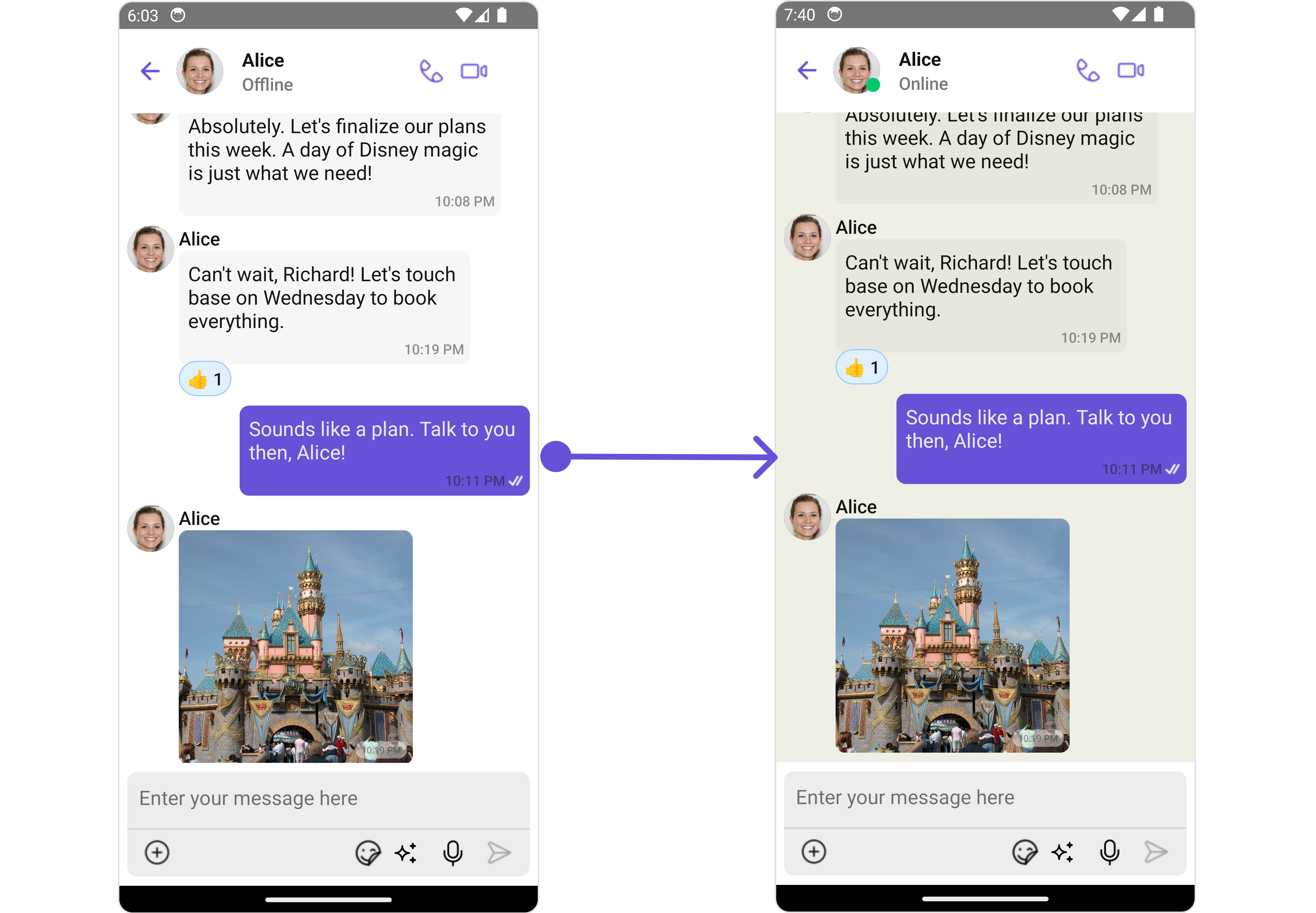
MessageListConfiguration.
- App.tsx
MessageComposer
If you want to customize the properties of the MessageComposer Component inside Messages Component, you need use theMessageComposerConfiguration object.
- App.tsx
MessageComposerConfiguration provides access to all the Action, Filters, Styles, Functionality, and Advanced properties of the MessageComposer component.
infoPlease note that the 🛑 symbol are not accessible within the Configuration Object.
- iOS
- Android
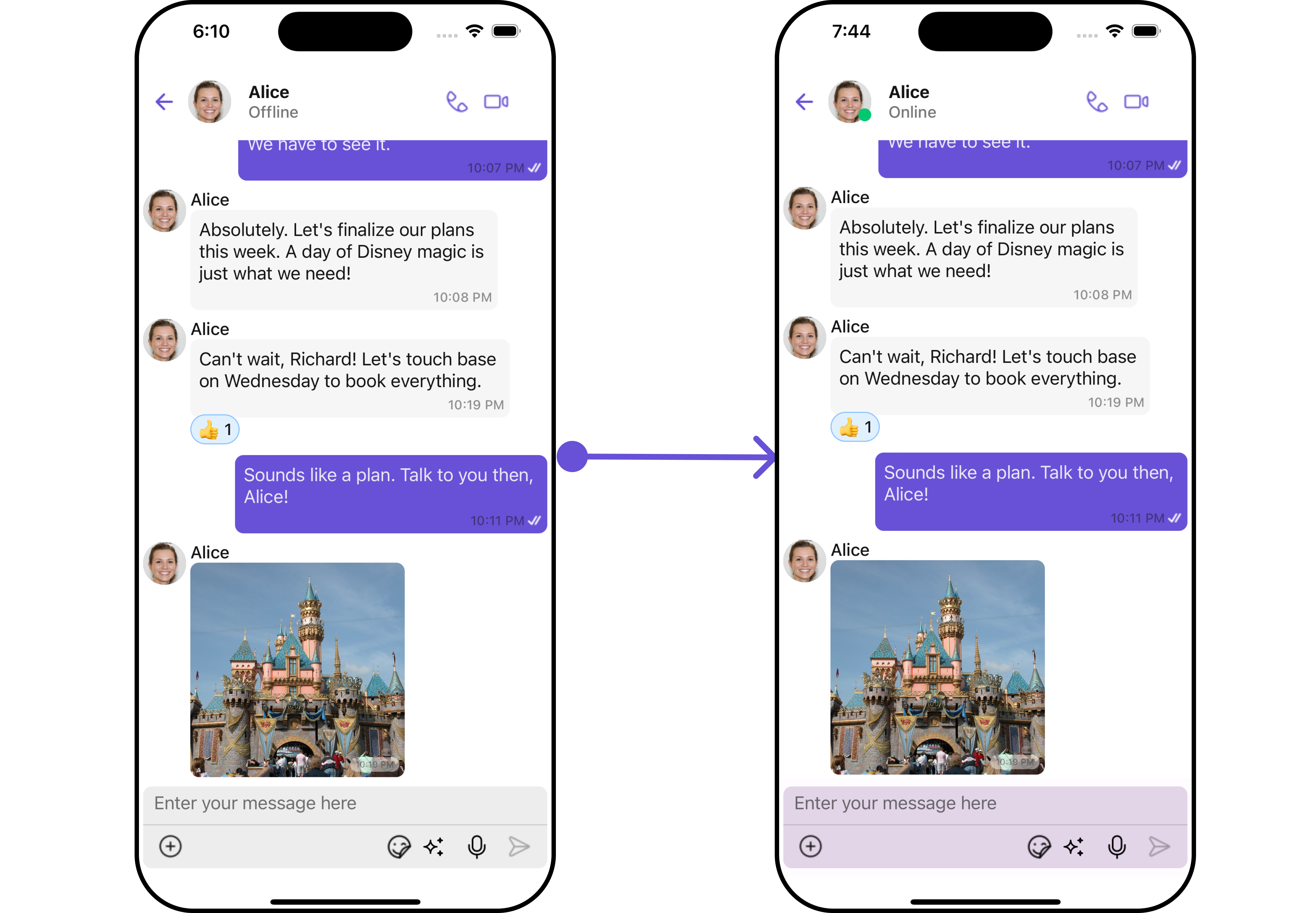
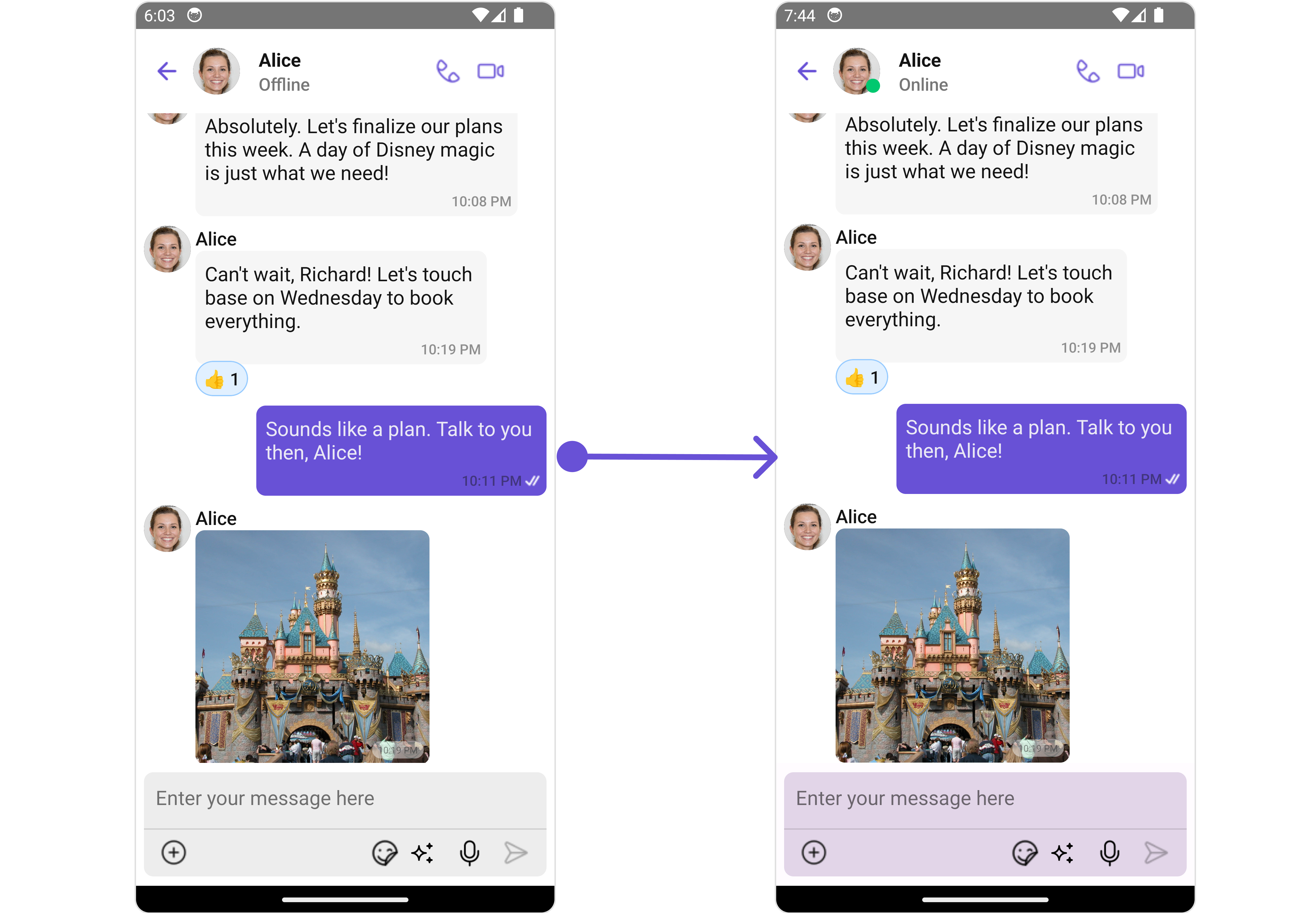
MessageComposerConfiguration.
- App.tsx
ThreadedMessages
If you want to customize the properties of the ThreadedMessages Component inside Messages Component, you need use theThreadedMessagesConfiguration object.
- App.tsx
ThreadedMessagesConfiguration provides access to all the Action, Filters, Styles, Functionality, and Advanced properties of the ThreadedMessages component.
infoPlease note that the 🛑 symbol are not accessible within the Configuration Object.
- iOS
- Android
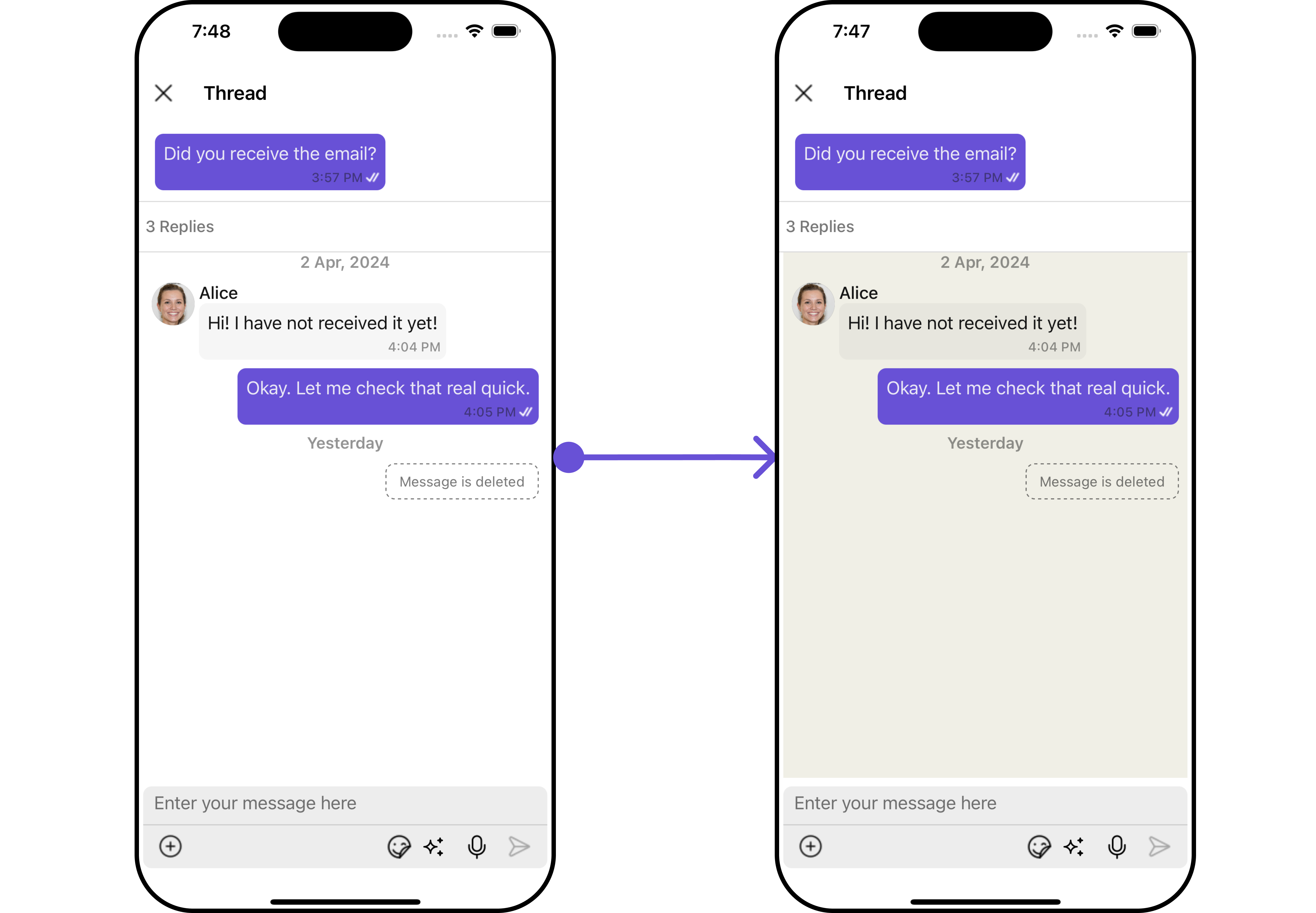
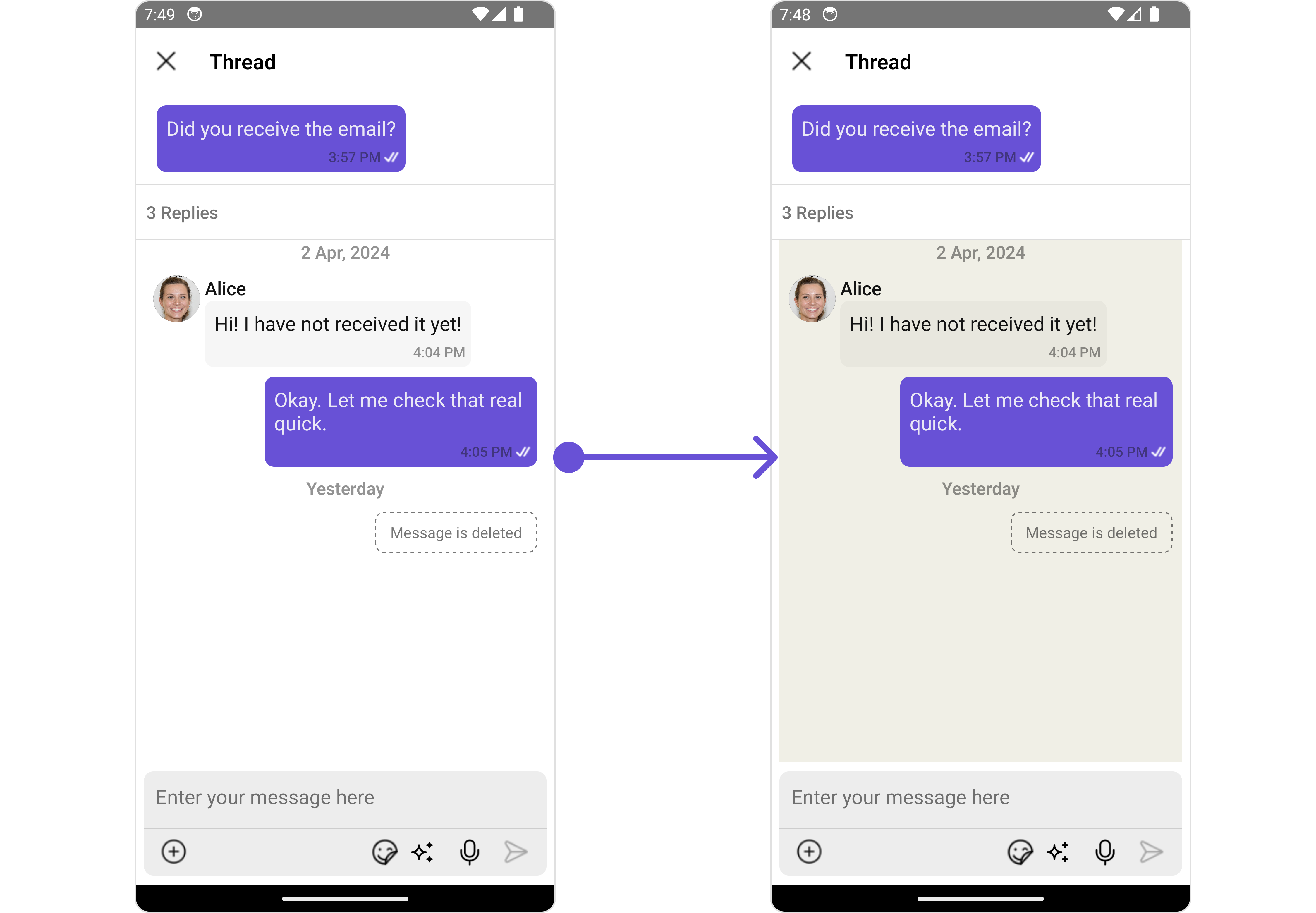
MessageListConfiguration. We then apply these changes to the ThreadedMessages component using ThreadedMessagesConfiguration.
- App.tsx