

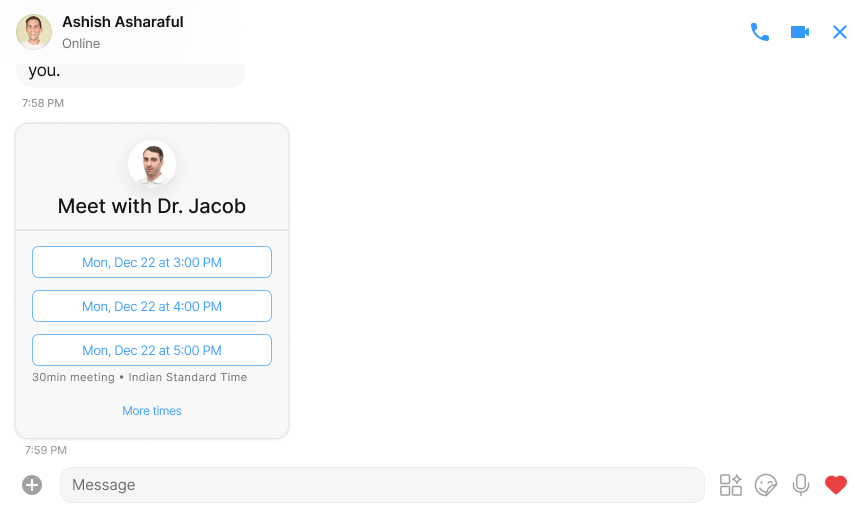
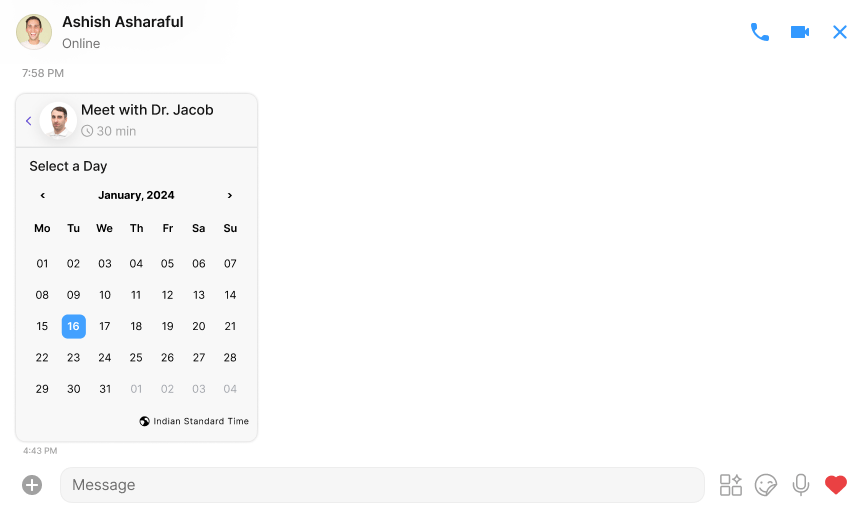
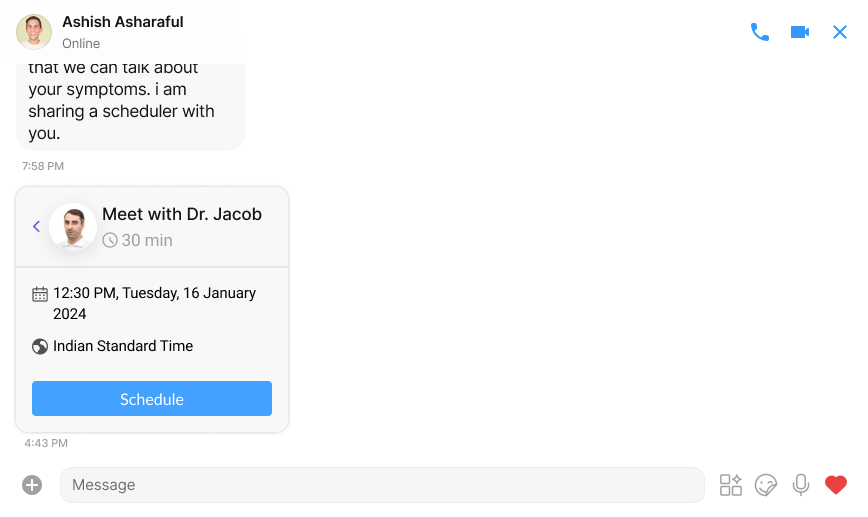
- Event Scheduling: Users can send a calendar-like invitation, similar to
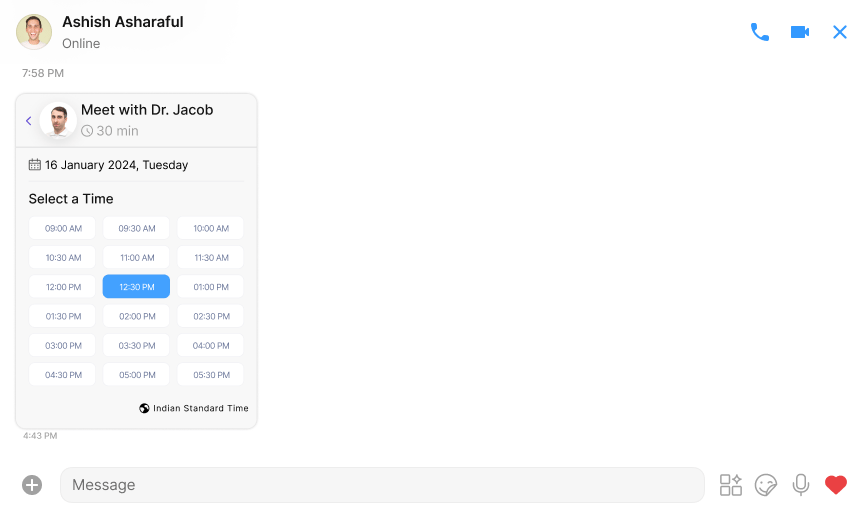
Calendly, allowing the recipient to schedule a meeting conveniently. - Flexible event Parameters: Senders have the flexibility to set allowed event times and define the time intervals between consecutive events.
- Customisable Availability Hours: Message senders can personalise their availability by specifying a range of hours during which meetings can be scheduled.
- ICS File Integration: seamlessly integrates with ICS files, analysing the data to provide users with available time slots based on their free time.
- Developer Configuration: As a developer, you have the freedom to configure actions triggered upon scheduling button clicks. This ensures that the platform can be tailored to specific needs and workflows.
ScheduleBubble aims to streamline the event scheduling process, offering a user-friendly experience for both senders and recipients. With its robust features, it provides a dynamic solution for coordinating and managing meetings efficiently.
Properties
SchedulerBubbleStyle
SchedulerBubbleStyle is a class extending BaseStyle containing attributes to customize the appearance of the SchedulerBubble component.
Usage
SchedulerBubble allows for a dynamic combination of developer-provided data and data collected from the user’s interaction. It provides flexibility for developers to customize the behaviour of the scheduler button and integrate it seamlessly into their application.- html
Data submitted by scheduler bubble after user’s Interaction:
After user interaction, SchedulerBubble gives the following payload to the specified endpoint like for above case endpoint is “abc.com” on click of schedule button it will generate a POST request to given URL with the following payload and headers- json
if header is provided in the action meeting bubble will not add anything to the header while generating the request