

AI Integration Quick Reference
AI Integration Quick Reference
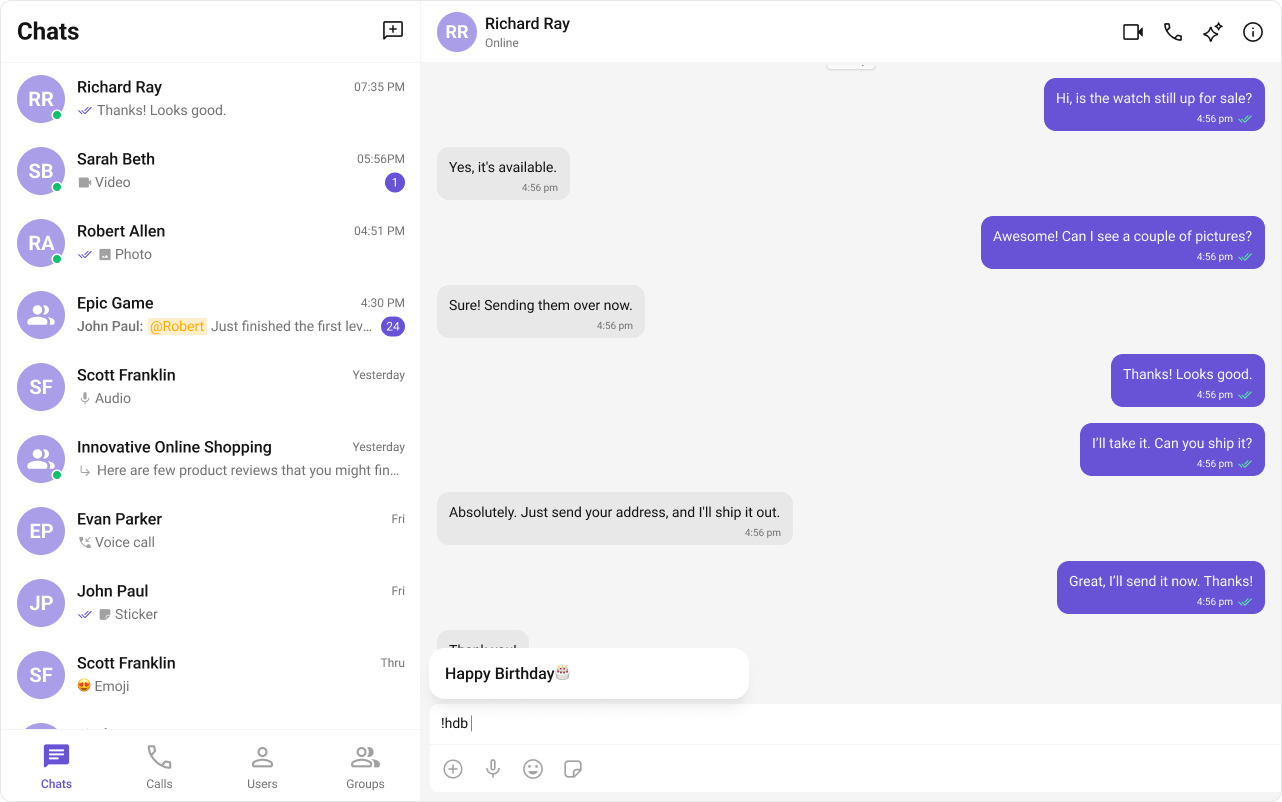
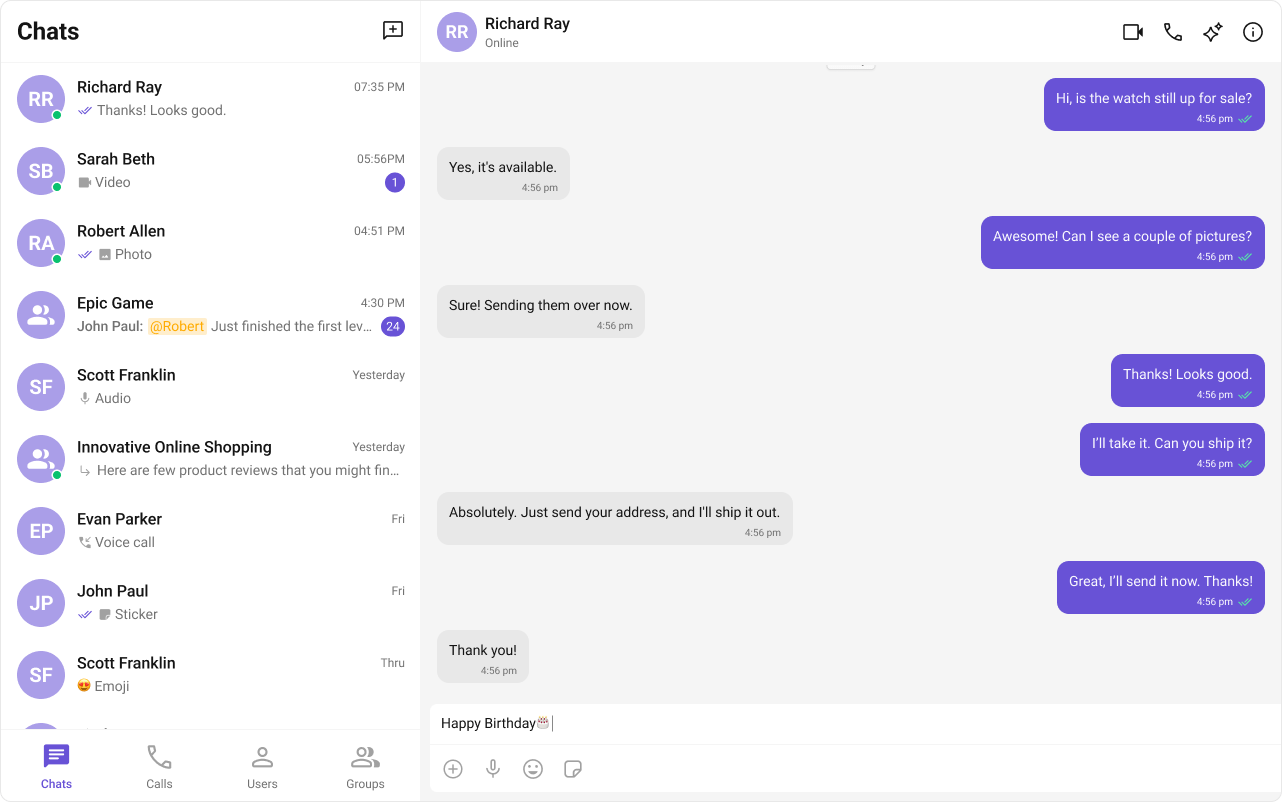
ShortCutFormatter extends CometChatTextFormatter to expand shortcodes (like !hb) into full text via the Message Shortcuts extension. When a user types a shortcut, a dialog appears with the expansion — clicking it inserts the text.
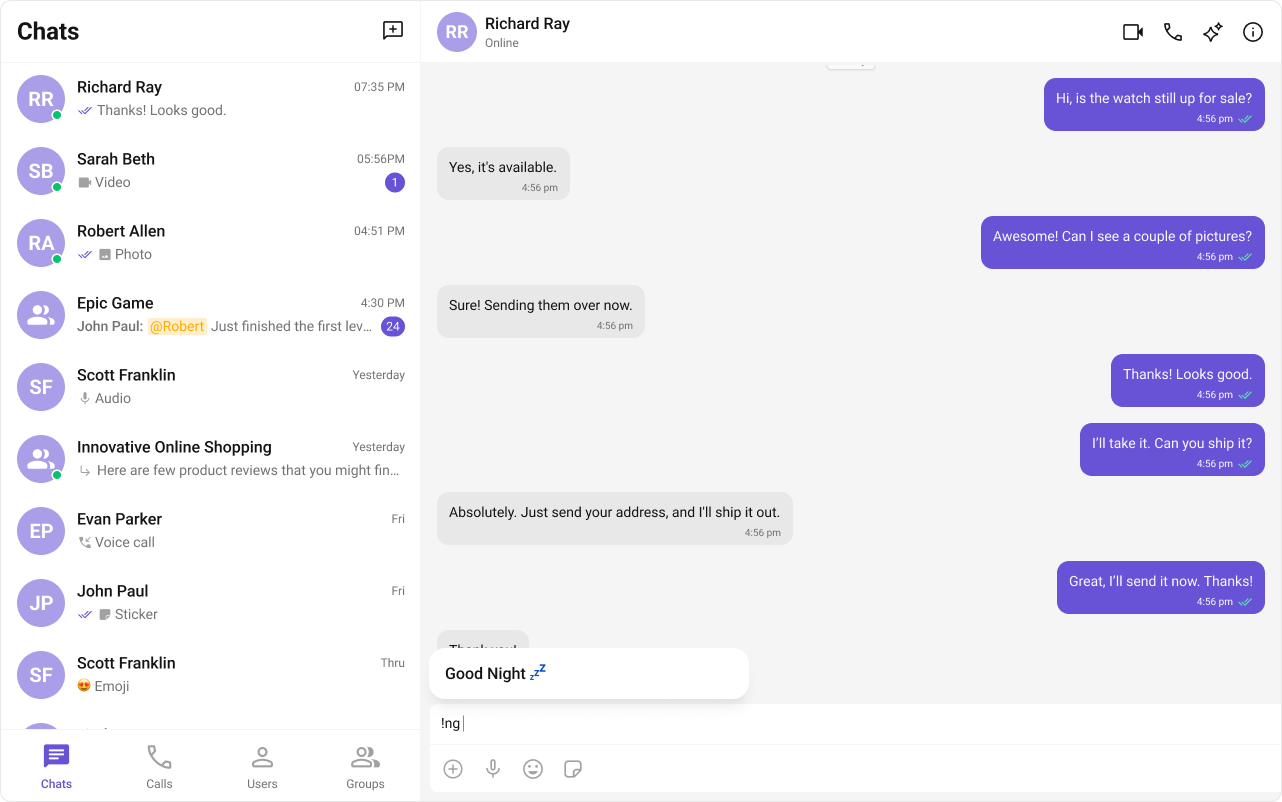
Steps
1. Import the base class
2. Extend it
3. Fetch shortcuts from the extension
4. Handle dialog and formatting methods
Example
- ShortCutFormatter.ts
- Component Usage
Fetches shortcuts from the Message Shortcuts extension on init. On
keyUp, checks if the text before the caret matches a shortcut and opens a dialog with the expansion.The Message Shortcuts extension must be enabled in your CometChat Dashboard for this formatter to work. Configure your shortcuts in the Dashboard under Extensions → Message Shortcuts.
Next Steps
Custom Text Formatter
Build custom inline text patterns.
Message Composer
Customize the message input component.
All Guides
Browse all feature and formatter guides.
Mentions Formatter
Add @mentions with styled tokens.