

CometChatSearch component is a powerful and customizable search interface that allows users to search across conversations and messages in real time. It supports a wide variety of filters, scopes, and customization options.
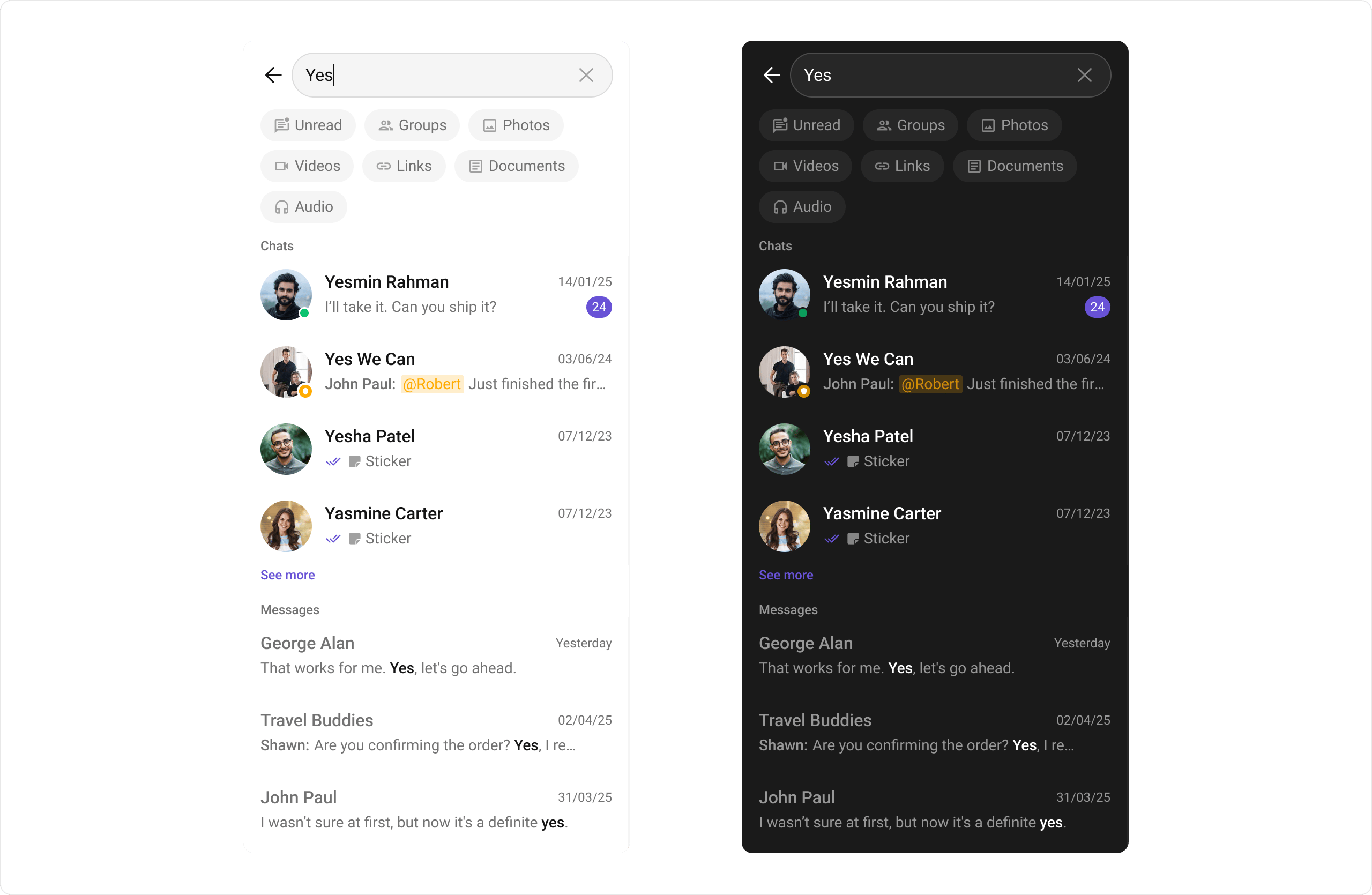
AI Integration Quick Reference
AI Integration Quick Reference
Usage
Integration
CometChatSearch is a composite component that offers flexible integration options. It can be launched directly via button clicks or any user-triggered action.
- Swift
Actions
Actions dictate how a component functions. They are divided into two types: Predefined and User-defined. You can override either type to tailor the behavior to fit your specific needs.1. onConversationClicked
Triggered when you click on a Conversation from the search result. This action doesn’t have a predefined behavior—you can override it using the following code snippet:- Swift
2. onMessageClicked
Triggered when you click on a Message from the search result. This action doesn’t have a predefined behavior—you can override it using the following code snippet:- Swift
3. onBack
Triggered when you click on the back button of the search component.- Swift
4. onError
Listens for any errors that occur in the Search component. This action doesn’t change the component’s behavior.- Swift
5. onEmpty
Listens for the empty state of the Search component. This action doesn’t change the component’s behavior.- Swift
Filters
Filters allow you to customize the data displayed in a list within a Component. You can filter the list based on your specific criteria using RequestBuilders of the Chat SDK.SearchScope
TheSearchScope enum defines what types of content to search:
SearchFilter
TheSearchFilter enum defines available filter options:
1. ConversationsRequestBuilder
Set theConversationsRequestBuilder in the Search Component to filter the search results. For more options, refer to ConversationRequestBuilder.
- Swift
2. MessagesRequestBuilder
Set theMessagesRequestBuilder in the Search Component to filter the search results. For more options, refer to MessagesRequestBuilder.
- Swift
Events
Events are emitted by a Component. By using events, you can extend existing functionality. Being global events, they can be applied in multiple locations and can be added or removed as needed. TheCometChatSearch component does not produce any events.
Customization
To fit your app’s design requirements, you can customize the appearance of theCometChatSearch component. We provide exposed methods that allow you to modify the experience and behavior according to your specific needs.
Style
Using Style, you can customize the look and feel of the component in your app. These parameters typically control elements such as the color, size, shape, and fonts used within the component.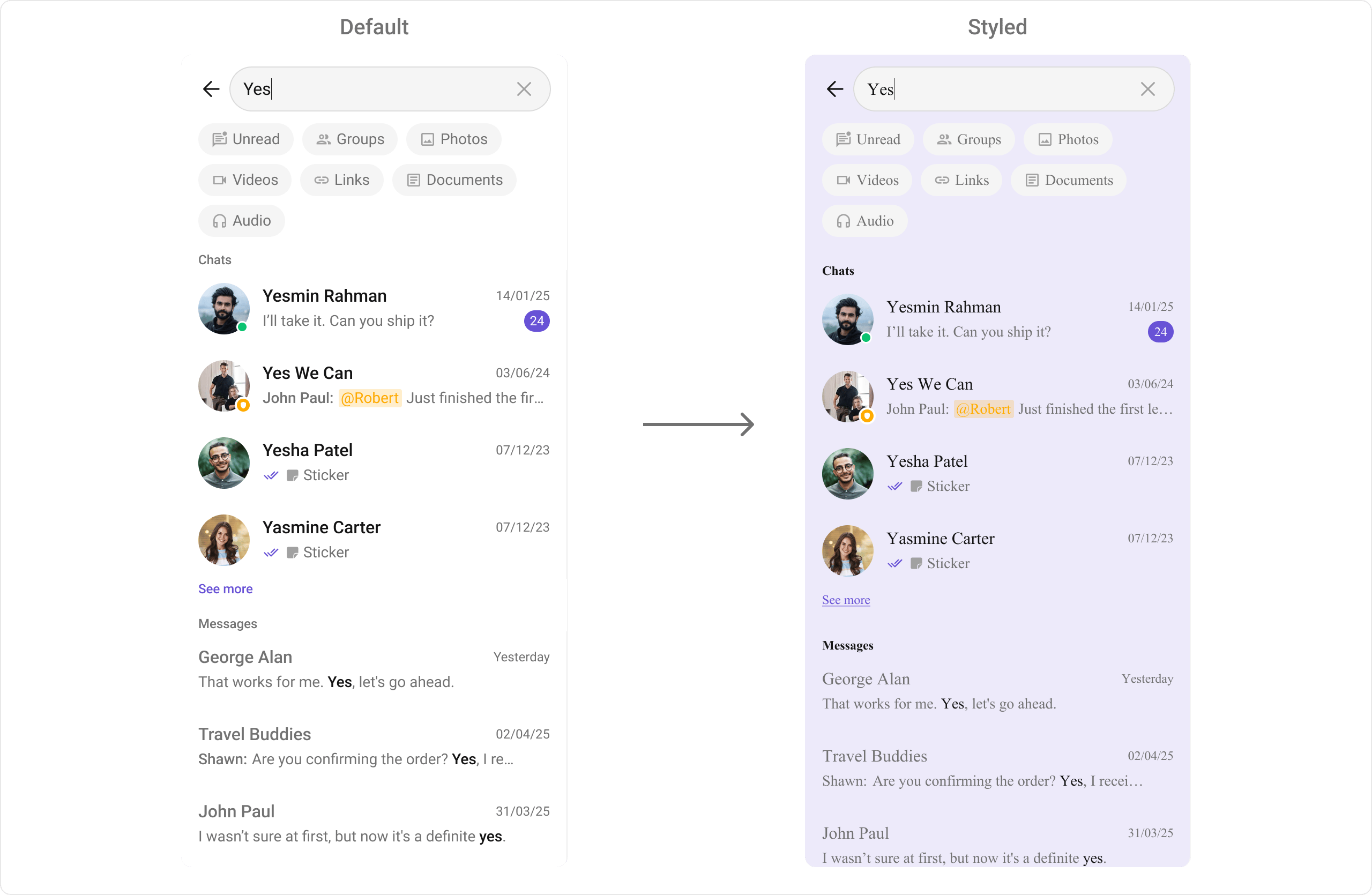
- Swift
Functionality
These are small functional customizations that allow you to fine-tune the overall experience of the component. With these, you can toggle the visibility of UI elements.Advanced
For advanced-level customization, you can set custom views to the component. This lets you tailor each aspect of the component to fit your exact needs and application aesthetics. You can create and define your own views, layouts, and UI elements and then incorporate those into the component.Conversation View Customization
- Swift
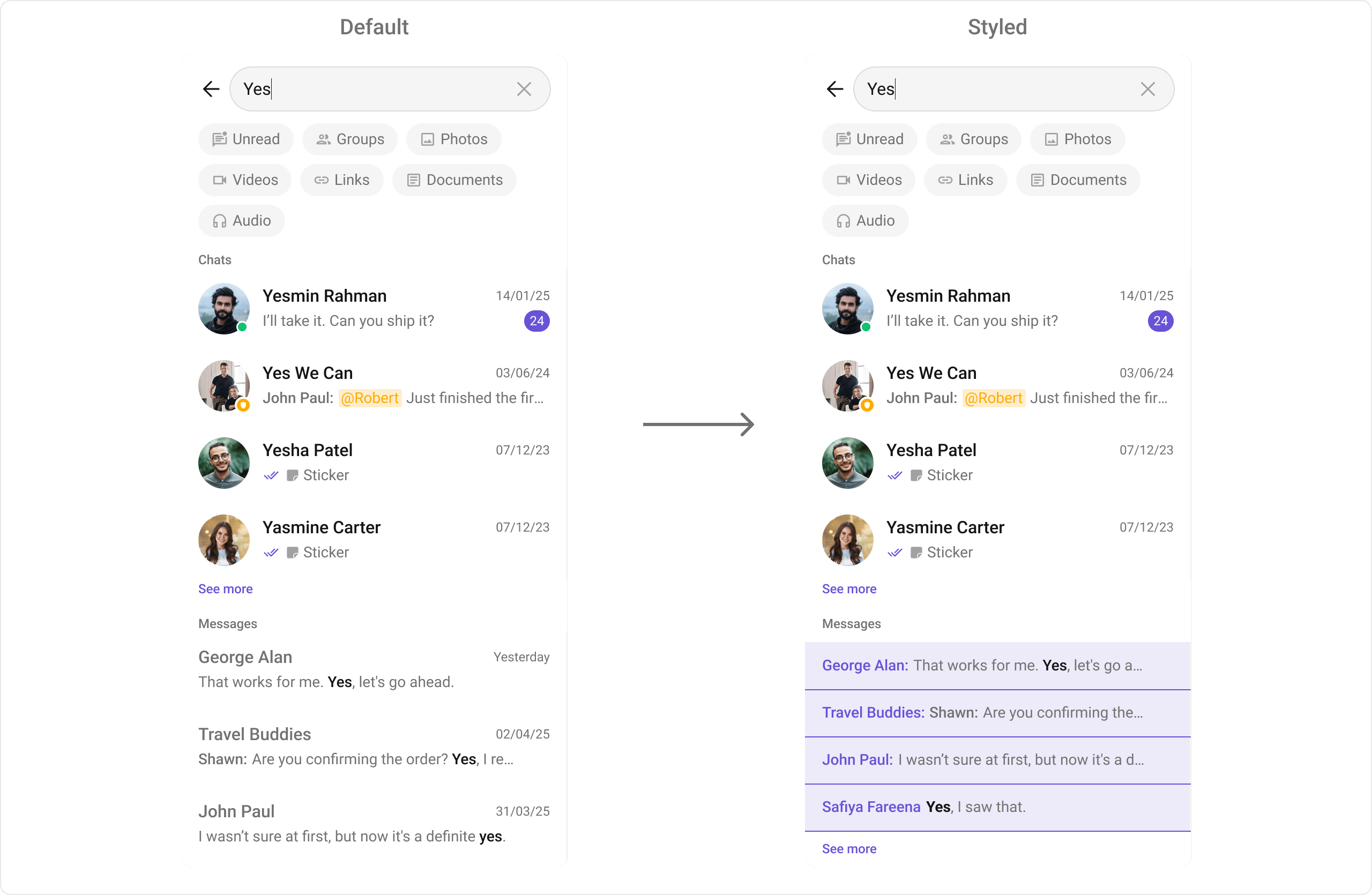
Message View Customization
With message item view functions, you can assign custom views to different types of messages in the search result. For more information, refer to the itemView prop of theCometChatMessages component.
Here’s how you can override the default message item view with a custom one for text messages:
- Swift
- Swift
- Swift
Message Granular View Customization
For more granular control over message search results, you can customize individual parts of the message item:- Swift
Initial View
Customize the view displayed before the user enters a search query using theinitialView property.
- Swift
Mention Configuration
Configure how @all mentions appear in search results using thesetMentionAllLabel method.
- Swift
DateTime Formatters
By providing a custom implementation of the DateTimeFormatterCallback, you can configure how time and date values are displayed. This ensures consistent formatting for labels such as “Today”, “Yesterday”, “X minutes ago”, and more.- Swift
Text Formatters
ThesetTextFormatters method enables developers to define and apply text formatters that dynamically modify or transform message content before rendering it in the UI. Text formatters can be used for:
- Automatically converting URLs into clickable links
- Applying Markdown or rich text styling
- Replacing certain words or patterns with emojis or predefined text
- Censoring specific words for moderation
Common Patterns
Present Search from Conversations
Open the search screen from a conversations list:- Swift
Search Within a Specific Conversation
Limit search to messages within a specific user or group chat:- Swift
Filter Search by Media Type
Show only photo or video messages in search results:- Swift
Custom Search Result Actions
Handle search result selection with custom actions:- Swift
Related Components
Conversations
Display conversation list
Message List
Display chat messages
Users
Display user list