

AI Integration Quick Reference
AI Integration Quick Reference
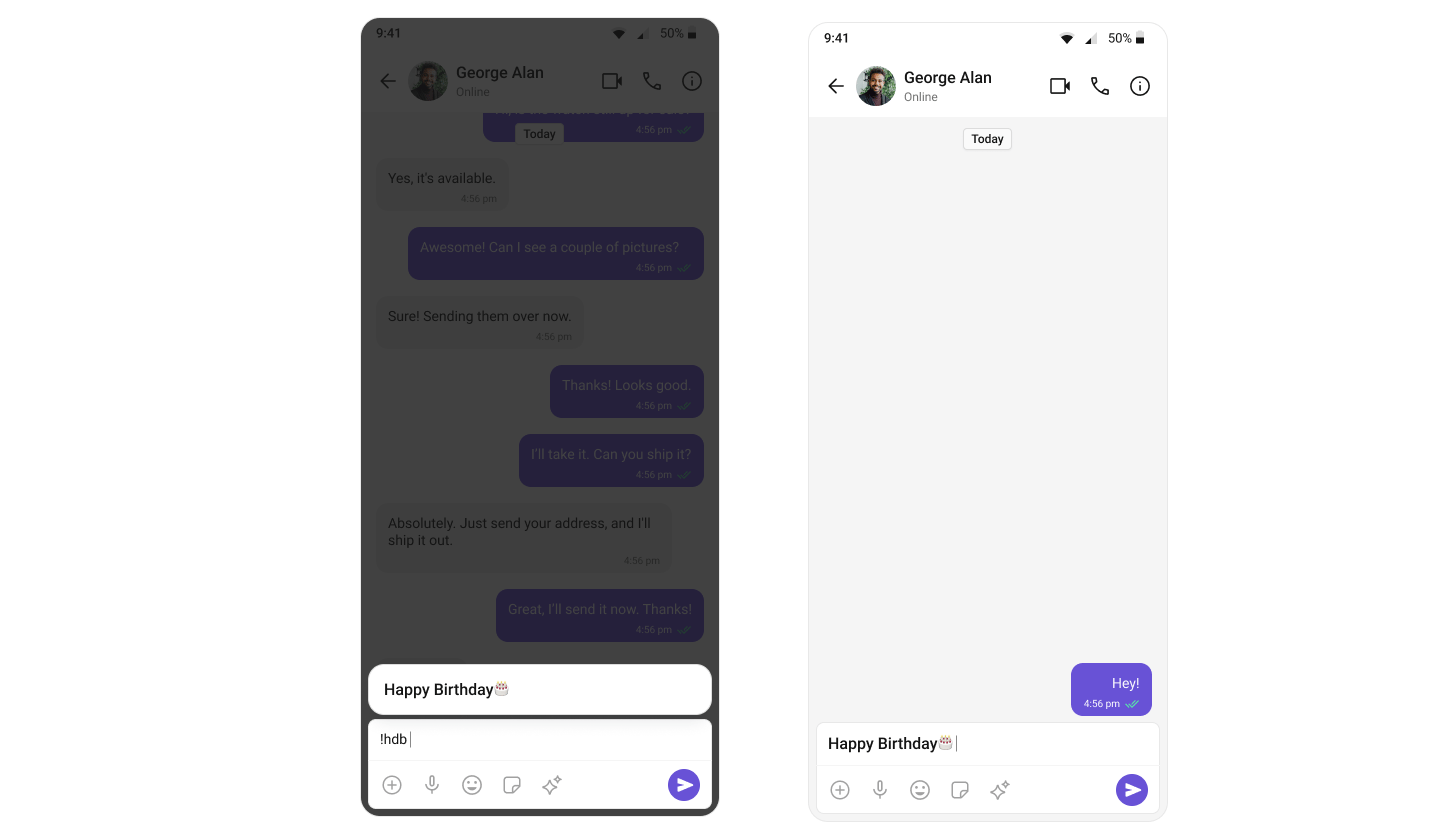
ShortCutFormatter extends CometChatTextFormatter to expand shortcodes (like !hi) into full text via the Message Shortcuts extension. When a user types a shortcut trigger in the composer, a suggestion appears with the expansion — selecting it inserts the text.
Steps
1. Create the ShortCutFormatter class
ExtendCometChatTextFormatter with '!' as the tracking character:
- Kotlin
- Java
2. Fetch shortcuts from the extension
- Kotlin
- Java
3. Override the search method
Match user input against stored shortcuts and update the suggestion list:- Kotlin
- Java
4. Override onScrollToBottom
- Kotlin
- Java
5. Integrate with MessageComposer
Add the XML element to your layout:- Kotlin
- Java
! followed by a valid shortcut key (e.g., !hi) displays a suggestion with the expanded text. Selecting it inserts the expansion into the composer.
Next Steps
Message Composer
Configure the composer where ShortCutFormatter is integrated
Mentions Formatter
Format @mentions with styled tokens and click handling
All Guides
Browse all feature and formatter guides
Sample App
Full working sample application on GitHub