

CometChatMessageComposer renders the message input area and sends messages to the active conversation. It supports text, media, mentions, voice notes, stickers, and AI-powered features.

Where It Fits
CometChatMessageComposer is an input component. Wire it with CometChatMessageHeader and CometChatMessageList to build a complete messaging layout.
- Kotlin (XML Views)
- Jetpack Compose
activity_chat.xml
Quick Start
- Kotlin (XML Views)
- Jetpack Compose
Add to your layout XML:Set a
User or Group:CometChatUIKit.init(), a user logged in, and the UI Kit dependency added.
Actions and Events
Callback Methods
onSendButtonClick
Fires when the send button is tapped. Override to intercept or replace the default message-sending logic.
- Kotlin (XML Views)
- Jetpack Compose
onError
Fires on internal errors (network failure, auth issue, SDK exception).
- Kotlin (XML Views)
- Jetpack Compose
SDK Events
The MessageComposer does not attach SDK listeners directly. Typing indicators are managed internally whendisableTypingEvents is false (default).
Functionality
Custom View Slots
Header View
Custom view above the text input area.
- Kotlin (XML Views)
- Jetpack Compose
Send Button View
Replace the default send button.
- Kotlin (XML Views)
- Jetpack Compose
Auxiliary Button View
Replace the auxiliary button area (stickers, AI).
If you override the auxiliary button with
setAuxiliaryButtonView(), retrieve the default auxiliary buttons via CometChatUIKit.getDataSource().getAuxiliaryOption() and include them in your custom layout to preserve sticker/AI buttons.- Kotlin (XML Views)
- Jetpack Compose
Attachment Options
Replace the default attachment options.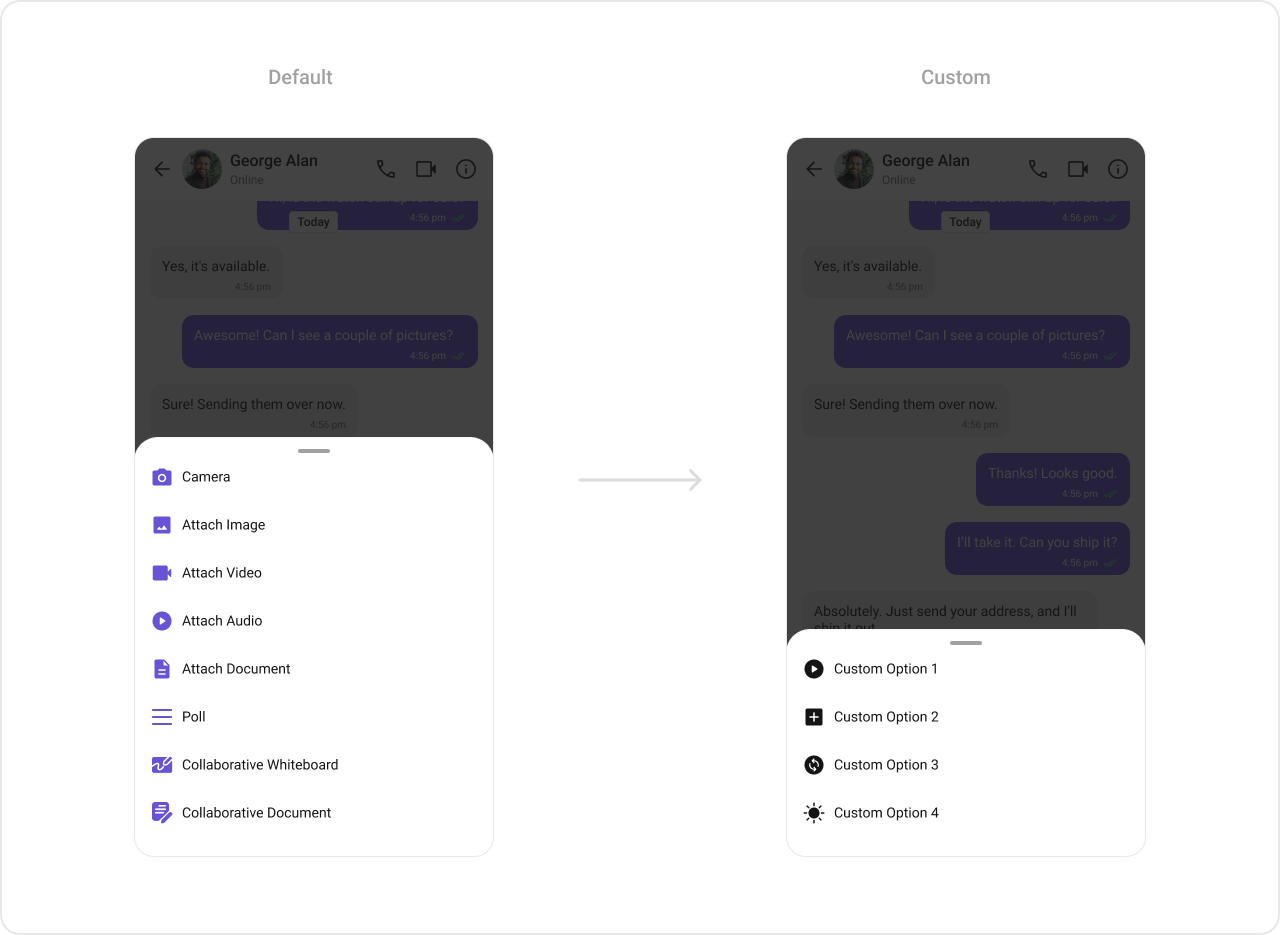
- Kotlin (XML Views)
- Jetpack Compose
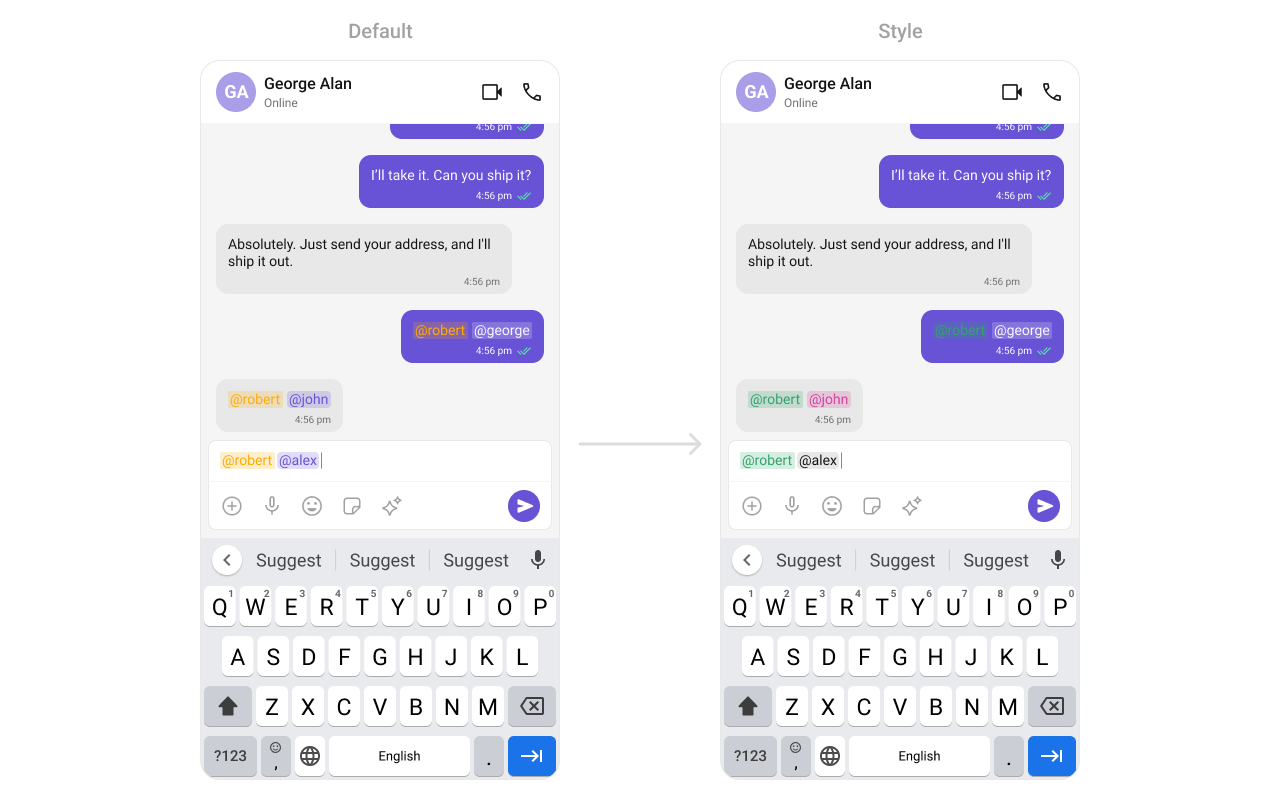
Text Formatters (Mentions)
- Kotlin (XML Views)
- Jetpack Compose
Style
- Kotlin (XML Views)
- Jetpack Compose
Define a custom style in
themes.xml:themes.xml

ViewModel
- Kotlin (XML Views)
- Jetpack Compose
Next Steps
Message List
Display messages in a conversation
Message Header
Display user/group info in the toolbar
Message Template
Customize message bubble structure
Component Styling
Detailed styling reference