

AI Integration Quick Reference
AI Integration Quick Reference
Overview
CometChatSearch is a unified search component. It searches across conversations and messages, displaying results in separate sections with filter chips for scoping. It emits the selected result via onConversationClicked or onMessageClicked — both include the searchKeyword in the event payload. Wire it to CometChatConversations or CometChatMessageList to navigate to the matched result.
Live Preview — interact with the default search component.Open in Storybook ↗
The component handles:
- Dual-section results (conversations + messages)
- Filter chips for scoping (messages, conversations, unread, groups, photos, videos, links, files, audio)
- Scoped search via
uidorguid - Custom request builders for both conversations and messages
- Customizable result item views
Usage
Flat API
Compound Composition
Scoped Search Example
Full Layout Example
Filtering
Search Scope
Control which result sections appear usingsearchIn:
Filter Chips
Control which filter chips are available:Scoped Search
Scope the search to a specific user or group conversation:Custom Request Builders
Pass custom request builders for fine-grained control:Actions and Events
Callback Props
Events Emitted
None.Events Received
None.SDK Listeners (Automatic)
None — the component fetches results on search input change and does not subscribe to real-time SDK listeners.Customization
View Props
Use view props to replace sections of the default UI while keeping the component’s behavior intact:messageItemView
Replace the entire message list item in search results.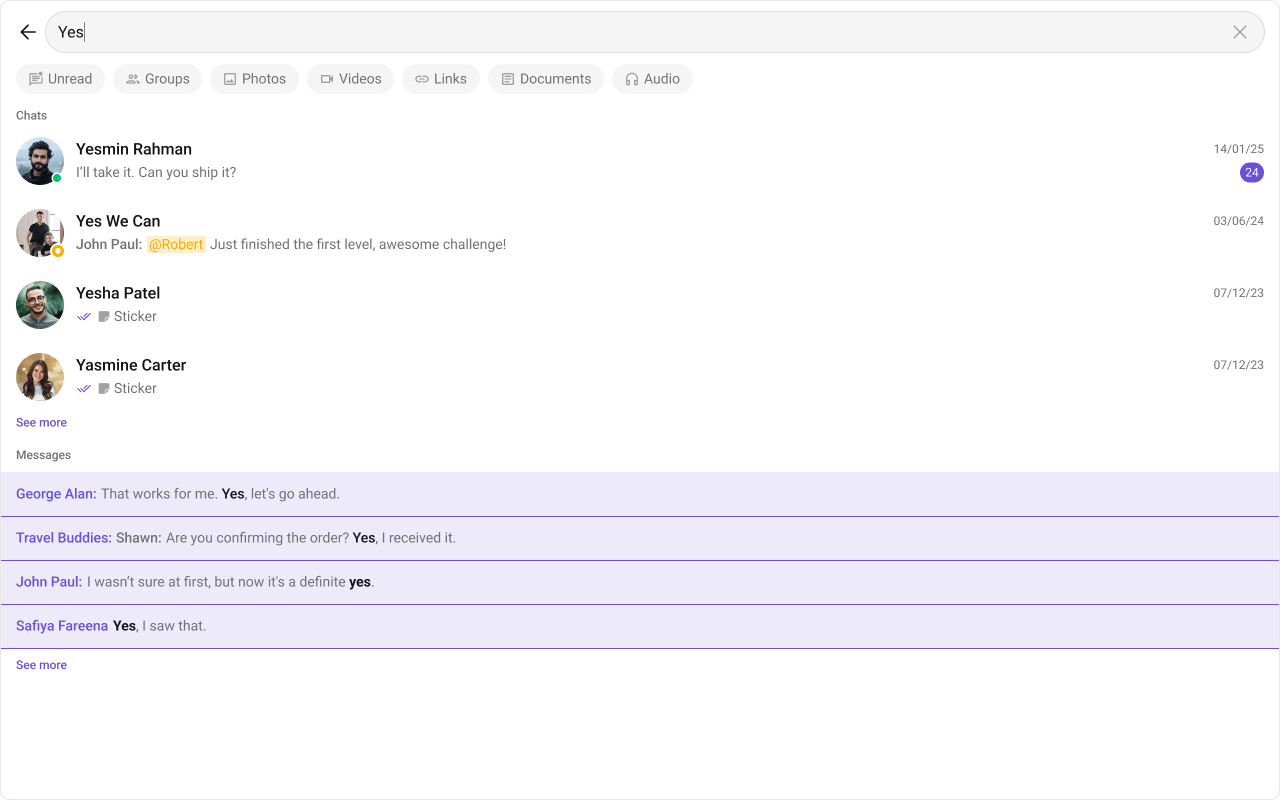
- TypeScript
- CSS
messageLeadingView
Replace the message avatar / left section.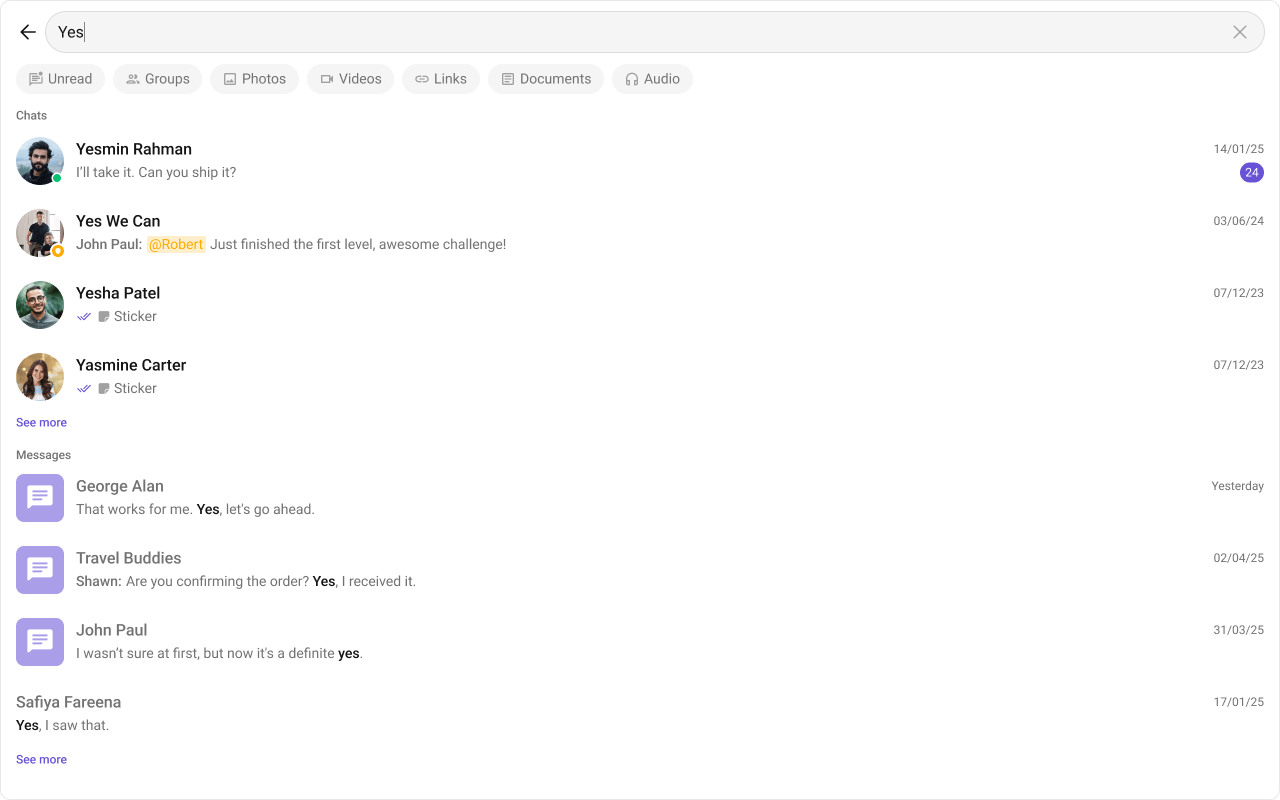
- TypeScript
- CSS
messageTitleView
Replace the message title text.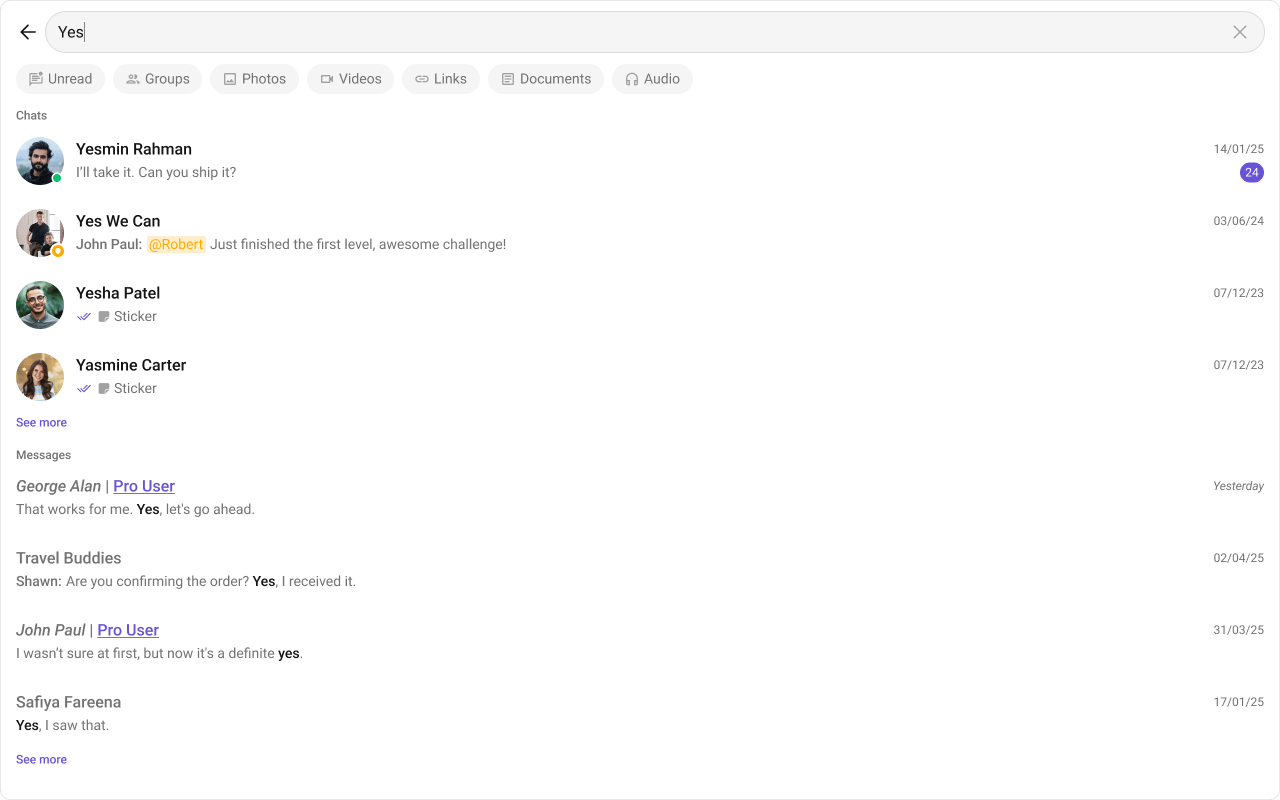
- TypeScript
- CSS
messageSubtitleView
Replace the message subtitle text.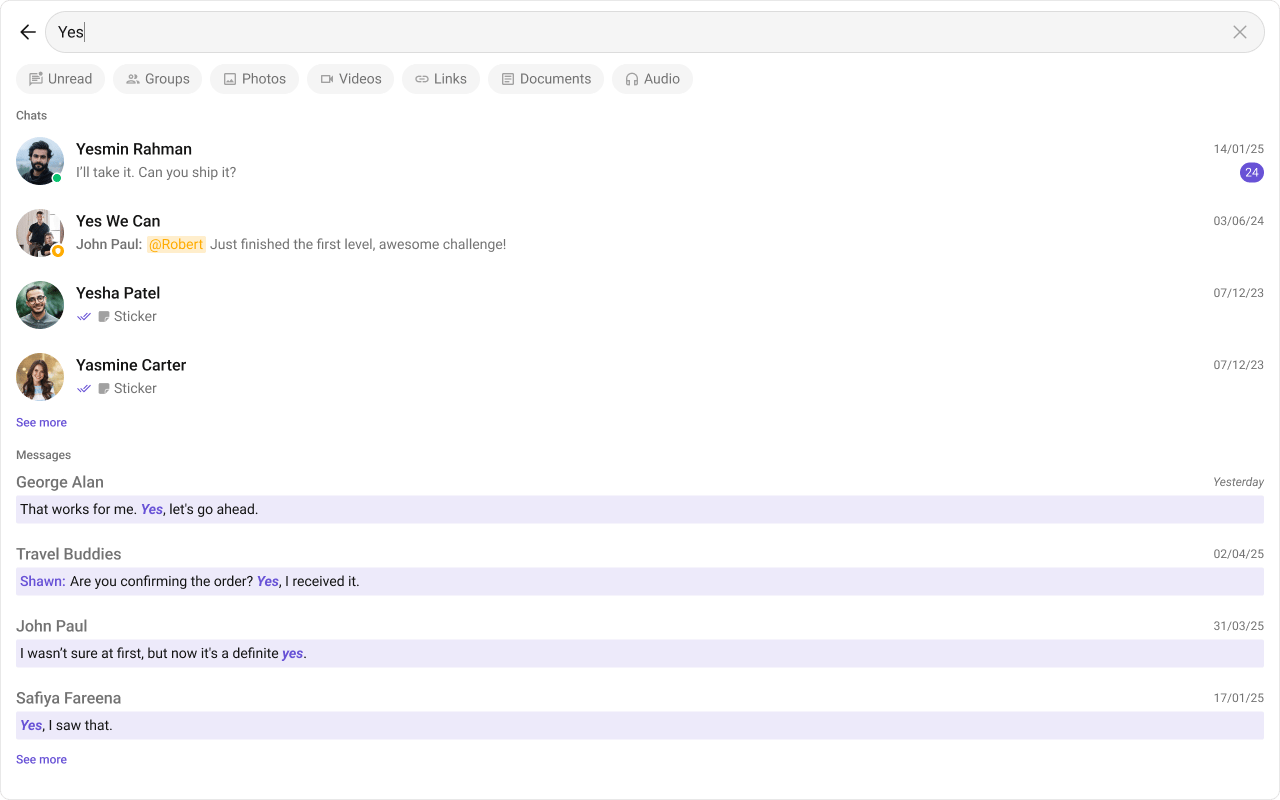
- TypeScript
- CSS
Compound Composition
For full layout control, use sub-components. Omit any sub-component to hide that section:The flat API and Root accept the same props — all view slots are directly on Root. There are no separate convenience props.
CSS Styling
Override design tokens on the component selector:Props
All props are optional.The flat API and Root accept the same props — all view slots are directly on Root. There are no separate convenience props.
searchIn
Which result sections to show. Empty array (default) shows both conversations and messages.searchFilters
Filter chips to display in the filter bar.initialSearchFilter
Pre-select a filter chip on mount.defaultSearchText
Pre-populate the search input with this text.uid
Scope search to a specific user’s conversation. When set, conversation filters are hidden.guid
Scope search to a specific group’s conversation. When set, conversation filters are hidden.hideBackButton
Hide the back button in the header.hideUserStatus
Hide user online/offline status indicators in conversation results.hideGroupType
Hide group type badge in conversation results.hideReceipts
Hide message delivery/read receipts in conversation results.textFormatters
Text formatters applied to conversation subtitles.lastMessageDateTimeFormat
Custom date/time format for the last message timestamp in conversation results.messageSentAtDateTimeFormat
Custom date/time format for the sent-at timestamp in message results.conversationsRequestBuilder
Custom request builder for conversation search. Pass the builder instance — not the result of.build().
messagesRequestBuilder
Custom request builder for message search. Pass the builder instance — not the result of.build().
conversationOptions
Function that returns context menu options for each conversation result item.onBack
Callback when the back button is clicked.onConversationClicked
Callback when a conversation result item is clicked. The event includes the search keyword.onMessageClicked
Callback when a message result item is clicked. The event includes the search keyword.onError
Callback when an SDK error occurs during search.CSS Selectors
Next Steps
Conversations
Display the conversation list alongside search
Message List
Navigate to matched messages in the message list
Theming
Customize colors, fonts, and spacing